스프레드시트
FormulAI
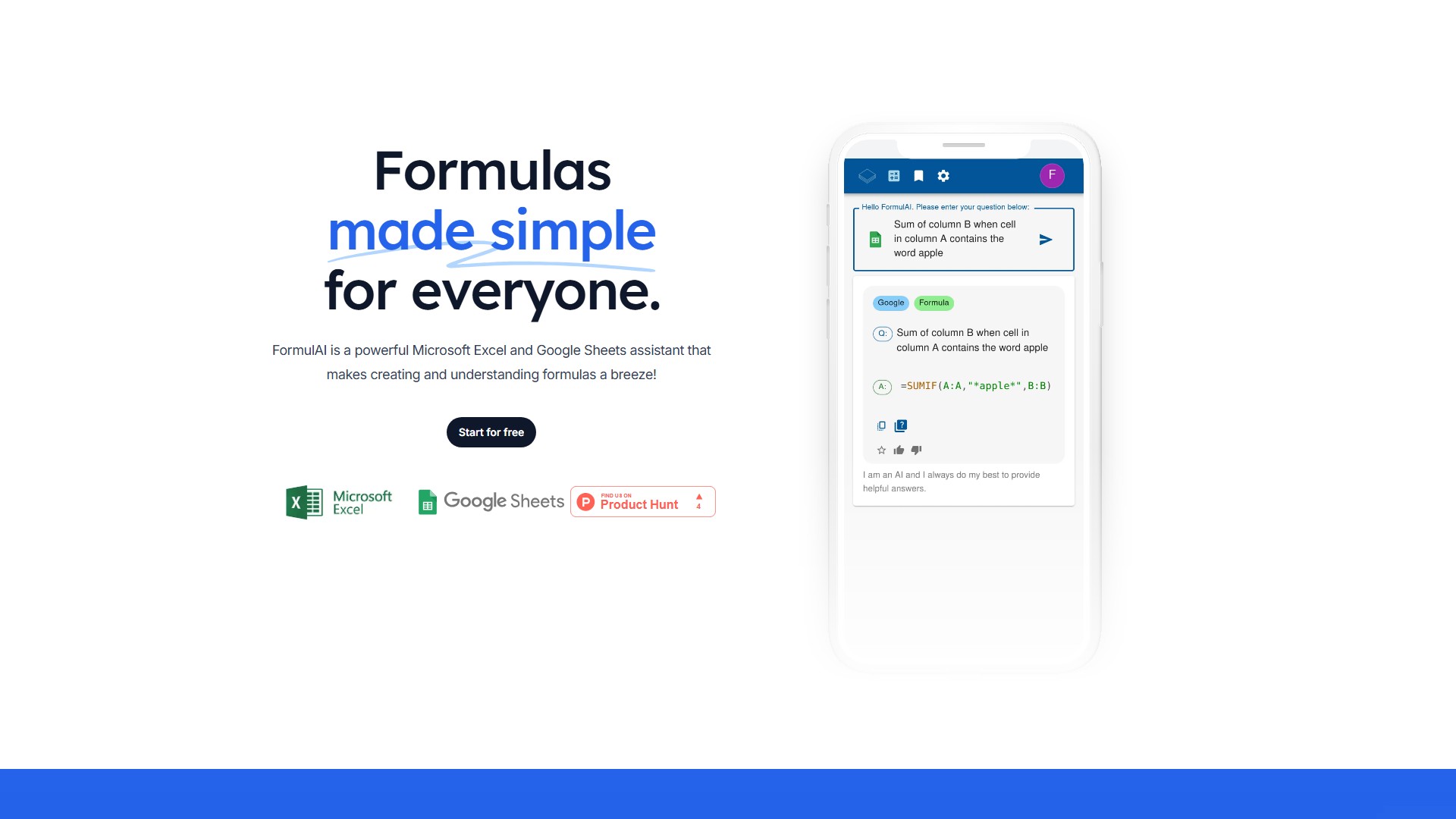
FormulAI는 Microsoft Excel과 Google Sheets를 위한 직관적이고 강력한 어시스턴트입니다. 복잡한 수식을 설명하고 자연어로 표현한 문제에서 수식을 생성합니다.
조회수
503
월간 방문 수
503
글로벌 순위
##10,478,162
투표 수
0
이 도구 정보
주요 기능 및 특징
- 수식 설명기: 셀의 복잡한 수식이 작동하는 방식을 단계별로 설명합니다.
- 수식 빌더: 문제를 쉬운 영어, 프랑스어 또는 스페인어로 설명하면 요구사항에 맞는 수식을 제공해 수 시간의 작업을 줄여 줍니다.
- 통합 문서 분석기: Excel 추가 기능이 통합 문서를 데이터베이스로 변환하여 자연어로 질의할 수 있게 합니다.
- 데이터 시뮬레이터: Excel 추가 기능의 내장 데이터 시뮬레이터를 사용해 무작위 샘플이 포함된 합성 데이터 세트를 생성합니다.
- Excel 통합: Excel 추가 기능이 워크시트와 수식을 즉시 읽고 써서 오타를 줄여 줍니다.
대상 사용자
스프레드시트를 가끔 사용하는 사용자, 자주 사용하는 사용자나 소규모 기업, 대량 할인이 필요한 엔터프라이즈 기업입니다.
핵심 장점
전문가가 아니어도 정교한 계산을 만들고 복잡한 수식을 이해할 수 있습니다. 아름답고 빠른 인터페이스, 다국어 자연어 입력, Microsoft Excel과의 긴밀한 통합을 통한 즉시 읽기 및 쓰기를 제공합니다.
요금 및 플랜
- Free($0/월): 월 10회 요청, 데이터 시뮬레이션은 2열/10행으로 제한, 월 2회의 데이터 쿼리 요청, Microsoft Excel 및 Google Sheets 지원.
- Unlimited($3.99/월): Free 플랜의 모든 기능과 무제한 수식 요청, 데이터 시뮬레이션, 데이터 쿼리, Excel 통합 및 북마크 제공. 14일 무료 체험 가능.
- Enterprise(문의): Unlimited 플랜의 모든 기능, 테마 사용자 지정, 대량 할인.
FAQ
- Free와의 차이: 수식 및 데이터 시뮬레이션 요청 무제한, 북마크, Excel 직접 통합.
- 고객 지원: info@formulai.xyz로 이메일을 보내 문의하세요.
- 향후 기능: 지속적으로 개선하고 있으며 요청과 아이디어를 받고 있습니다.
- 비밀번호 분실: 비밀번호 재설정 페이지에서 재설정할 수 있습니다.
트래픽 분석
이 도구의 트래픽, 순위 및 참여도 지표입니다.
글로벌 순위
##10,478,162
국가 순위
#- -
월간 방문 수
503
방문 추이
추이 데이터 없음
참여도
- 이탈률--
- 방문당 페이지 수--
- 평균 체류 시간--
트래픽 소스
소스 데이터 없음
주요 국가
국가 데이터 없음
인터페이스 미리보기