Productivity
Obituary Writer
AI obituary writing tool
About this tool
Main Features
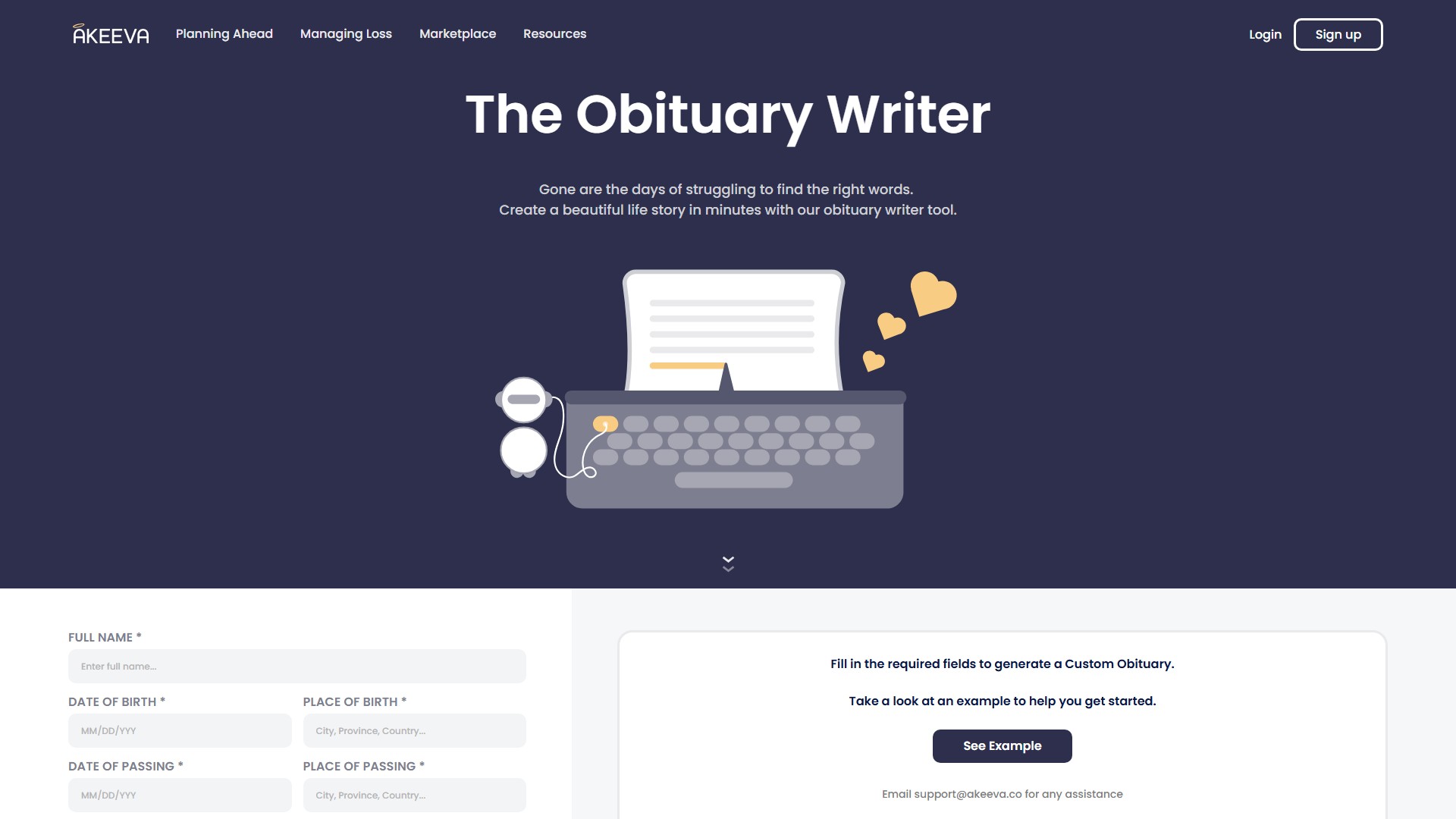
Obituary Writer: Quickly and automatically generates life stories and obituary texts for the deceased by filling in relevant information. Obituary Designs: Provides a variety of elegant obituary layout and visual design options for users to choose from (the page displays 6 different design templates).
Usage Process & Input Fields
Users need to fill in the following fields to generate a custom obituary:
- FULL NAME (Required)
- DATE OF BIRTH (Required)
- PLACE OF BIRTH (Required)
- DATE OF PASSING (Required)
- PLACE OF PASSING (Required)
- FAMILY MEMBERS
- PERSONAL DETAILS
- ADDITIONAL DETAILS After filling out the fields, click the 'Generate Obituary' button to create the text, and click 'See Obituary Designs' to select a visual template. The page also provides a 'See Example' feature to help users get started.
Output & Actions
The generated obituary supports 'Copy to clipboard' and 'Send to my email' functions for easy saving and sharing.
Core Advantages
Gone are the days of struggling to find the right words. Users can create a beautiful life story in minutes, greatly reducing the emotional and time costs of writing an obituary.
Target Users
Family members who are experiencing the loss of a loved one and need to write an obituary quickly, or individuals planning ahead for end-of-life arrangements.
Support & Contact
For any assistance, users can email support@akeeva.co.
Traffic analysis
Traffic, ranking, and engagement signals for this tool.
Visit trend
No trend data
Engagement
- Bounce rate--
- Pages per visit--
- Average duration--
Traffic sources
No source data
Top countries
No country data
Interface preview