CodeSquire

Visit Site

Core Features & Characteristics

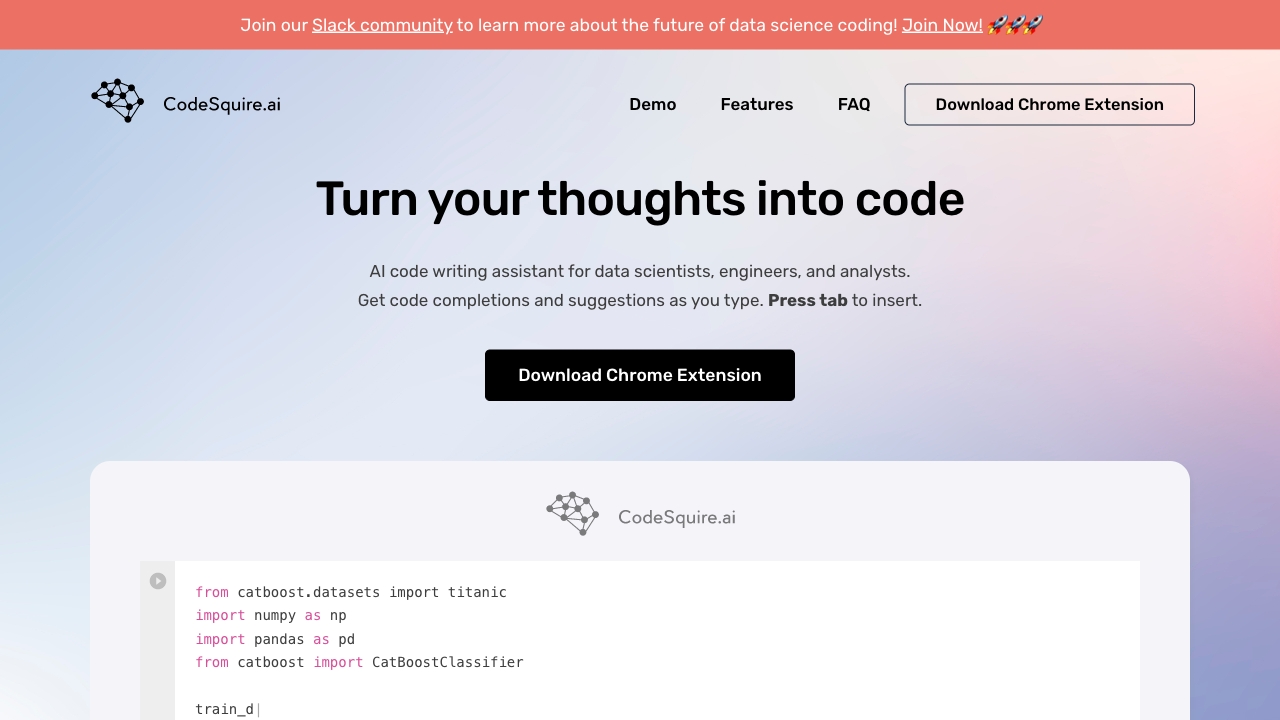
Turns comments into code: Quickly write code by translating comments, like creating a Plotly bar chart. Get code completions and suggestions as you type, press tab to insert.

Writes functions using well-known libraries: Create entire functions with ease, without searching for library methods and parameters, such as creating a function that loads a dataframe to an AWS bucket in parquet format.

Translates Language into SQL queries: Write SQL queries by providing simple instructions on what to pull, join, and group by, like determining the top 10 most common names.

Explains code: Helps understand someone else’s code; just ask to explain the function and get the explanation in plain text.

Writes complex functions by specifying multiple steps: Helps create complex functions involving several logic steps. Brainstorm by starting simple and adding more complex features, such as splitting data, converting variables, scaling datasets, and training models.

Writes code tailored to your code style and use cases: Increase productivity by getting smart suggestions from CodeSquire tailored to individual coding styles and use cases.

Target Users

Data scientists, engineers, and analysts.

Supported Platforms

Google Colab, BigQuery, and JupyterLab (supported via Chrome browser extension).

Usage Instructions

  1. Download the Chrome Extension.
  2. Sign up for an account.
  3. Start typing code or comments in supported browser platforms, and press tab to insert suggestions.

Core Advantages

Unlike Github Copilot, CodeSquire works in places that Github Copilot doesn't. It provides a browser extension so that users get the same great code suggestions in places like Google Colab, BigQuery, and JupyterLab in the browser.

Pricing Information

The page does not explicitly mention pricing or payment models; it offers a free download and usage of the Chrome extension.

Frequently Asked Questions (FAQ)

  • How do I start using CodeSquire? Just download the Chrome Extension, sign up and you are good to go!
  • How do I download CodeSquire? Click on the Chrome Web Store link to download.
  • What platforms does it work on? Right now it supports Google Colab, BigQuery, and JupyterLab, with more to come.
  • What are the best practices and how to get the most out of CodeSquire? Use the provided link to read about CodeSquire best practices and guidelines.
  • What is the roadmap? Currently gathering feedback on what direction CodeSquire should take in the future. Ideas can be shared via email.
  • Why use CodeSquire instead of Github Copilot? CodeSquire works in places that Github Copilot doesn't, providing a browser extension for great code suggestions in browser-based environments.
Visits: 34.5K
Country: United States
Pricing Mode: Paid

Comment

Sign In After Sign In, you can make comments