
Home
Ranking
Category
Information
Explore
Favorites
Submit
English
English
中文
Français
日本語
한국어
Sign In
Sign Up
Home
Video editing
AI video extractor
AI video extractor
Upvote
Visit Site
Share
Official Website
Main Features
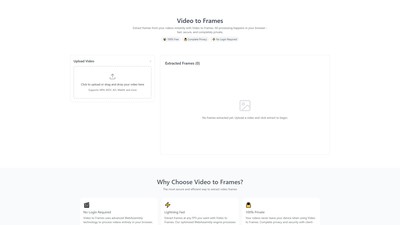
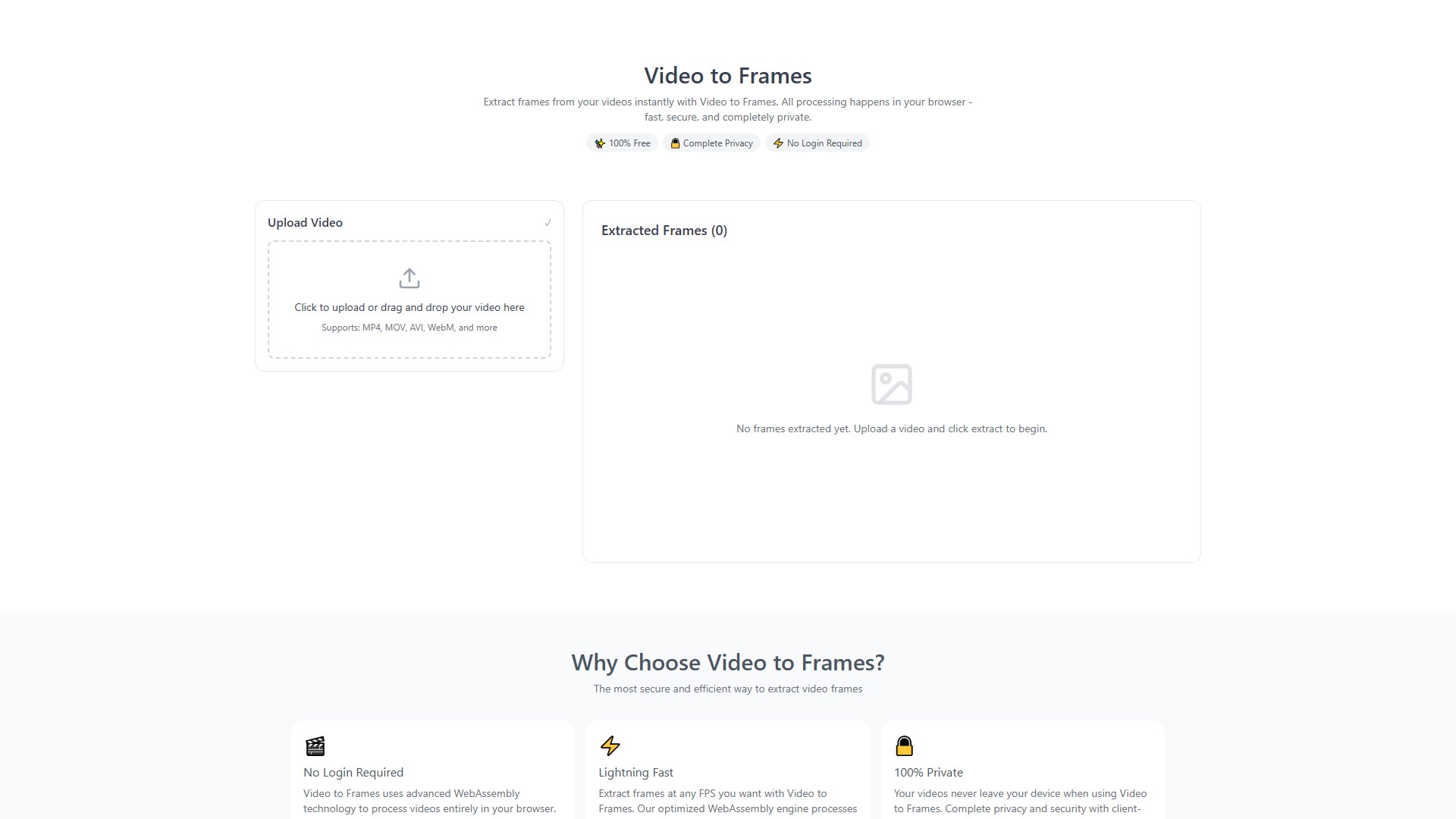
Extract frames from videos and save as PNG format
Support custom FPS (frames per second) or extract all frames
Supported formats: MP4, MOV, AVI, WebM, MKV and more
Core Advantages
Completely Free
: No hidden costs, no subscription limits
100% Privacy
: Uses WebAssembly technology to process locally in browser, no server uploads
No Registration Required
: Instant use without login or personal information
Fast & Efficient
: Optimized processing engine for quick frame extraction
How It Works
Upload Video: Click to upload or drag video file to the page
Configure Settings: Choose FPS or extract all frames
Extract & Download: Click extract button, download PNG frame images
Target Users
Content Creators: Extract thumbnails for social media
Video Analysts: Frame-by-frame video analysis
Animation Designers: Create sprite sheets or animation sequences
Educators: Extract frames from educational videos for presentations
Limitations
Recommended video size: Under 500MB, 10 minutes duration
Maximum support: 1GB (but longer processing time)
Mobile devices: Under 200MB recommended for optimal performance
Important Notes
Use low FPS (1-2) for long videos to avoid memory issues
Close other browser tabs during processing
Don't refresh the page while extracting
4K videos may take several minutes to process
Collection Time:
2025-10-26
Pricing Mode:
Free
Video editing
Free
Website
Open Source
Comment
Add Comment
Sign In
After Sign In, you can make comments
Explore Similar AI Tools
Timebolt
Visits 0
Pricing Mode Freemium
Templify.ai
Visits 0
Pricing Mode Freemium
face swap ai
Visits 0
Pricing Mode FreemiumPaid
Share
My AI Tools
ChatGPT
Claude
Gemini
DeepSeek
Kimi
ChatGLM