
Taiga
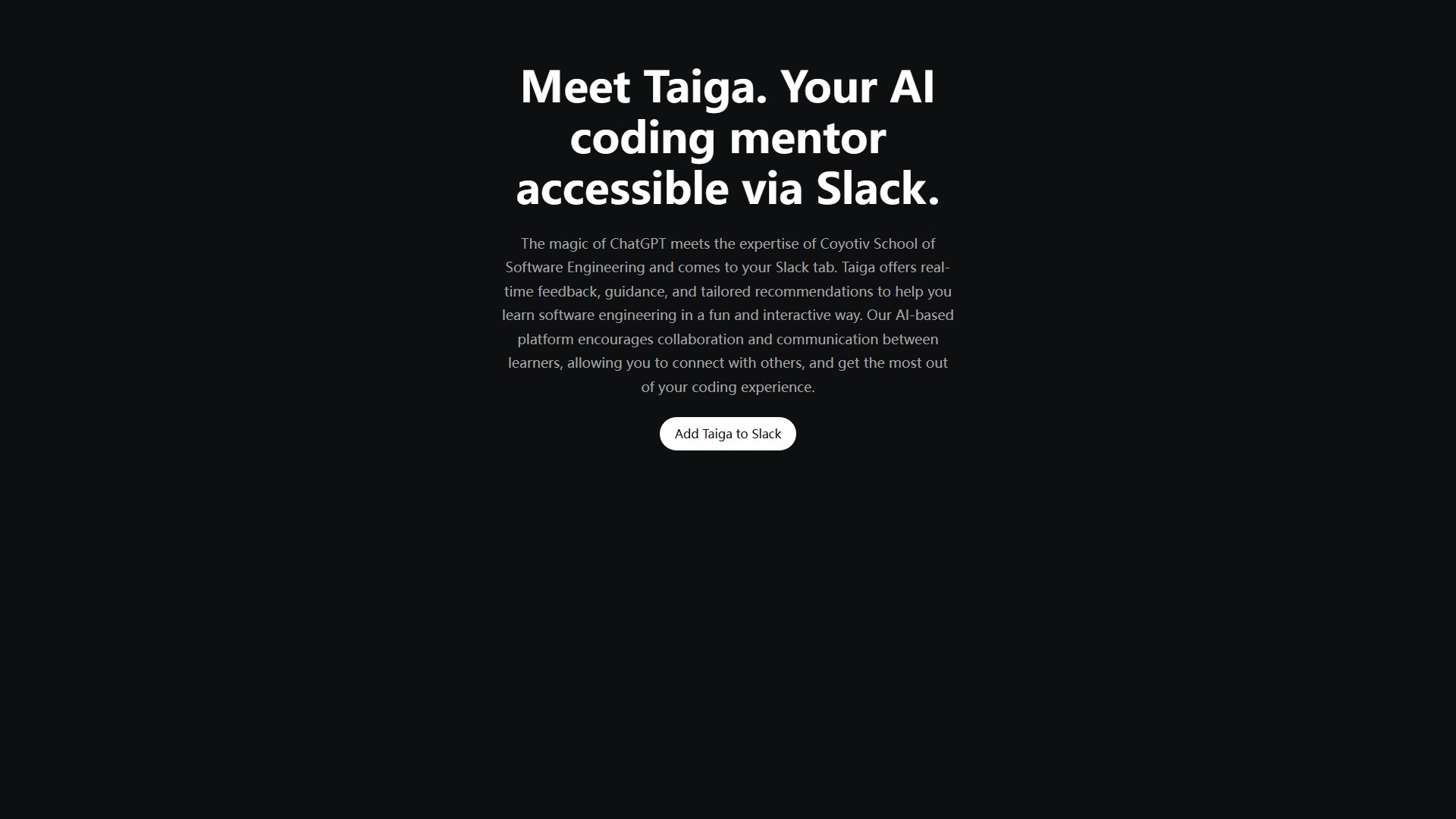
Main Features: Taiga is not just another chatbot. It offers real-time answers using real-life examples, code snippets, and practice problems to simplify concepts, ensuring a deeper understanding of programming. It provides step-by-step guidance, including detailed explanations, examples, and practical tips. Taiga engages in dynamic, two-way dialogues similar to conversing with a senior programming mentor, tailoring its explanations and guidance to suit the user's unique learning style and preferences.
Usage & Workflow: 1. Set up Taiga: Quick and easy setup by clicking the "Add to Slack" button and authorizing access to the Slack workspace. 2. Start a discussion: Invite Taiga to any channel, direct message, or write privately to ask any programming questions and engage in interactive discussions. 3. Learn together: Encourages collaboration by enabling users to share learning progress and insights with teammates or colleagues.
Core Advantages: Seamless integration into Slack keeps everything in one place; accessible on multiple devices such as desktops, laptops, tablets, and mobile phones, providing help whether at the desk or on the move; assists with reviewing code, understanding error messages, and identifying areas for improvement.
Typical Use Cases: Answering a wide variety of programming questions, covering topics like CSS, Mongoose, State Management, Socket.io, and Data Structures.
Target Users: Perfect for new learners, experienced programmers, and everyone in between.
Note: Like any AI system, Taiga may occasionally generate offensive or inaccurate responses, and the team is committed to continuously improving Taiga's performance and reducing these occurrences.
의론