
OneImg
Main Features
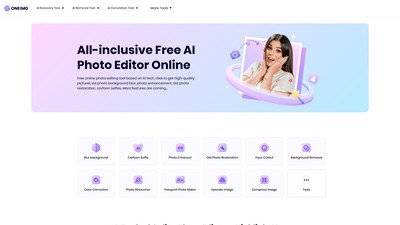
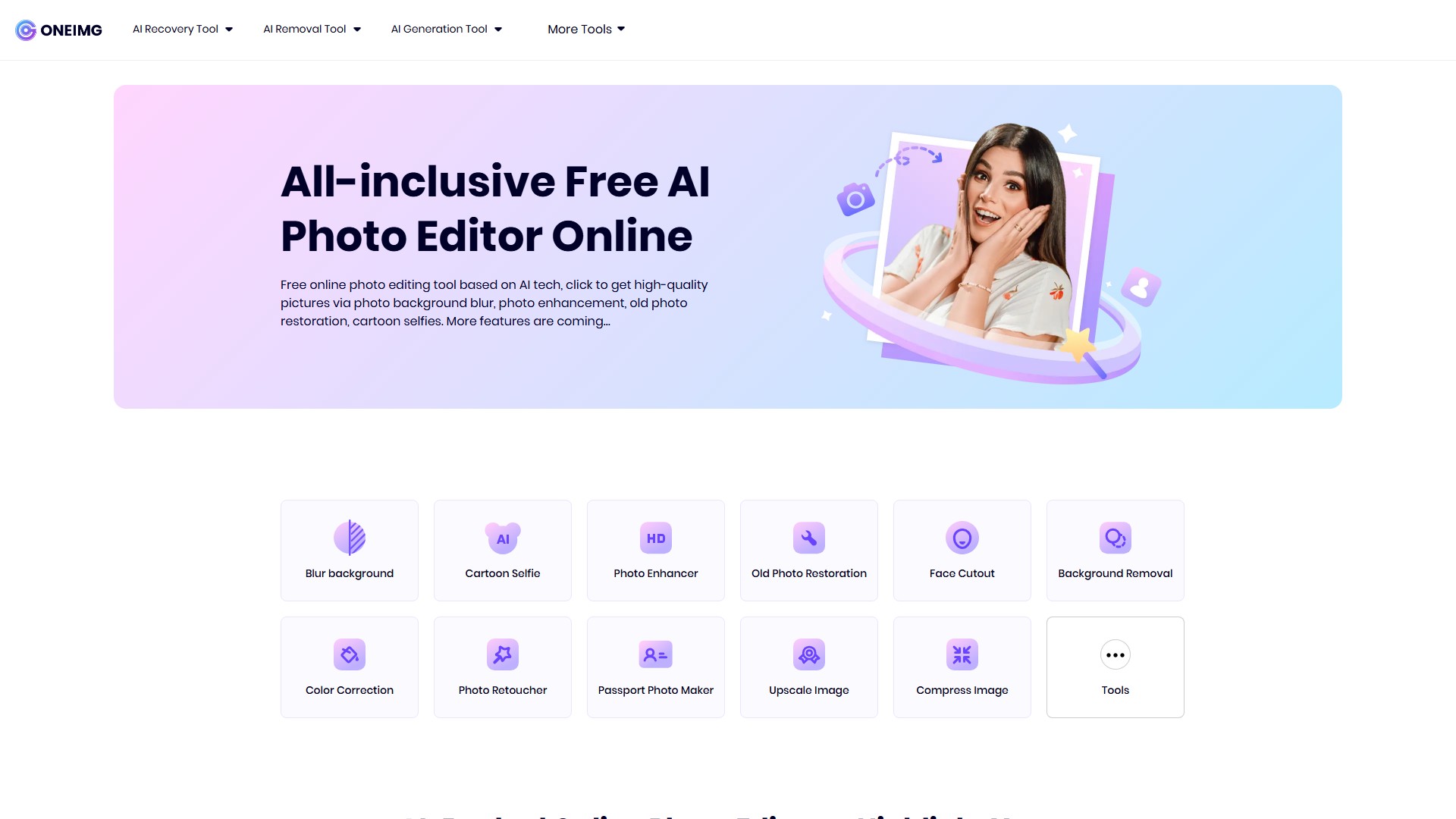
- AI Recovery Tool: Blur background, Photo Enhancer, Old Photo Restoration, Photo Retoucher.
- AI Removal Tool: Background Removal, Face Cutout, Color Correction.
- AI Generation Tool: Cartoon Selfie, Passport Photo Maker.
- More Tools:
- Optimize: Compress Image, Upscale Image.
- Create: Meme Generator, Photo Editor.
- Modify: Resize Image, Crop Image, Rotate Image.
- Convert: Image to JPG, JPG to Image, HTML to Image.
- Security: Watermark Image, Blur Face.
Core Advantages
- Exhaustive AI Photo Editing Platform: Features an intuitive web interface with easy-to-use online photo editing tools powered by AI.
- Transform Photo Effects in a Single Click: Multifunctional processing allows users to edit photos with concise operations—simply upload and download to boost productivity in life and work.
- Get Rid of Manual Photo Editing Wherever You Are: Frees users' hands from repetitive processing regardless of the device used (Android or iOS) by simply logging into the site.
Target Users & Use Cases
- Creative Designers: Blurring backgrounds in advance for a polished, professional look.
- HR Professionals: Creating appealing recruitment ads using Cartoon Selfie and Photo Enhancement.
- POD Managers & E-commerce Sellers: Batch processing for enhancing photos or blurring backgrounds to make products stand out.
- Social Media Managers: Improving the professional quality of social images.
- Individual Users & Family Members: Restoring old family photos or creating fun cartoon caricatures.
How to Use
Accessible on any device (including iPhone) via a web browser without downloading an app. Even users without Photoshop experience can easily use it; the AI automatically recognizes photos and analyzes where to apply editing instructions.
Pricing
Absolutely free. No payment is required for any online photo editing feature.
Security
Top priority is given to the security of uploaded data, ensuring privacy and protection, with self-service data deletion options available.
액세스:
1.8K
의론