
Emma AI
Main Features & Characteristics
- Personalized Assistant: Create a chatbot assistant that connects to business data and integrations, saving time by retrieving information without the need for manual searches or team inquiries.
- Help-desk Chatbot: Get a help-desk assistant chatbot running quickly by connecting data sources, linking integrations, spreadsheets, or uploading documents.
- Trained Assistant: No data? No problem! Emma trains the assistant by asking questions about the info you want it to know, making it smarter.
- Use-case Customization: Create an assistant for each team, project, or workflow. Customize data access for each assistant, increasing team efficiency by 90%.
- Seamless Integrations: Connect tools, databases, or import files in just a few clicks. Compatible with a wide range of platforms and file formats.
- Multi-channel Interaction: Communicate through the chat webpage, desktop application, integrations, or by accessing the Emma API.
- Data Access Control: Easily control the data an assistant can access and customize it for different use cases.
- Broad App Integrations: Integrate into favorite applications including Slack, support applications, Zapier, Email software, and more.
- Interface Customization: Customize the chat page with a personalized image, cover image, and color, or connect via API to your own webpage or application.
Target Audience
Various teams and employees dealing with different data sources and business processes, such as marketing teams, accounting teams, and enterprise organizations needing internal knowledge base retrieval.
Core Advantages
Quick build (takes as little as 5 minutes to set up and launch), trainable without existing data, precise control over data access permissions, and strong integration capabilities.
Typical Use Cases
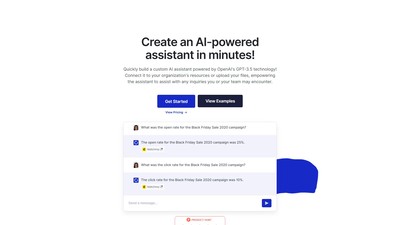
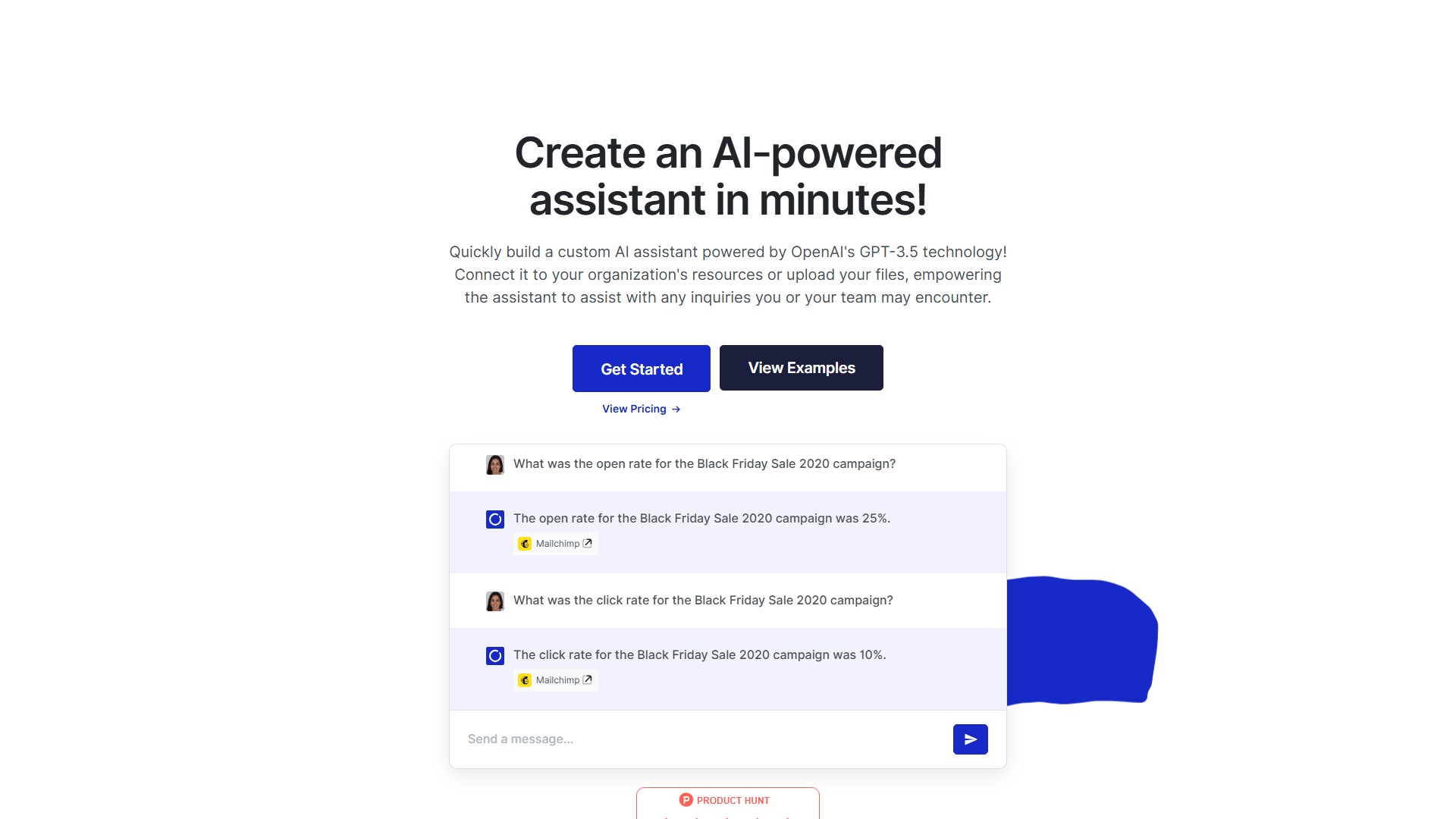
Querying marketing campaign data (e.g., revenue, open rate, click rate for Black Friday Sale 2020), looking up contact email addresses (e.g., via Gmail integration), and drafting introduction emails based on available inventory.
Frequently Asked Questions (FAQ)
- How many assistants can I create? There are no limits. Each assistant can be connected to unique integrations and data sources for various teams, employees, or use cases.
- Can I limit which data is provided to an assistant? Absolutely. Access to a data source can be added or removed at any point in time (e.g., marketing assistant gets online store/analytics/project management access, accounting assistant gets accounting software/Excel spreadsheets/sales data access).
- What level of customization is possible? Personalize knowledge by uploading documents, integrating business tools, or adding manual content for tailored support based on specific organizational information.
- How long does it take to set up? Setting up is a breeze and takes as little as 5 minutes (create account, set up assistant, connect data).
- Can I customize the chat page? Yes, by adding a personalized image, cover image, and color, or by connecting to your own webpage/application via API.
액세스:
3.8K
나라:
United States
의론