
AI video extractor
Main Features
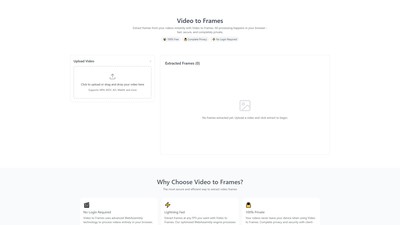
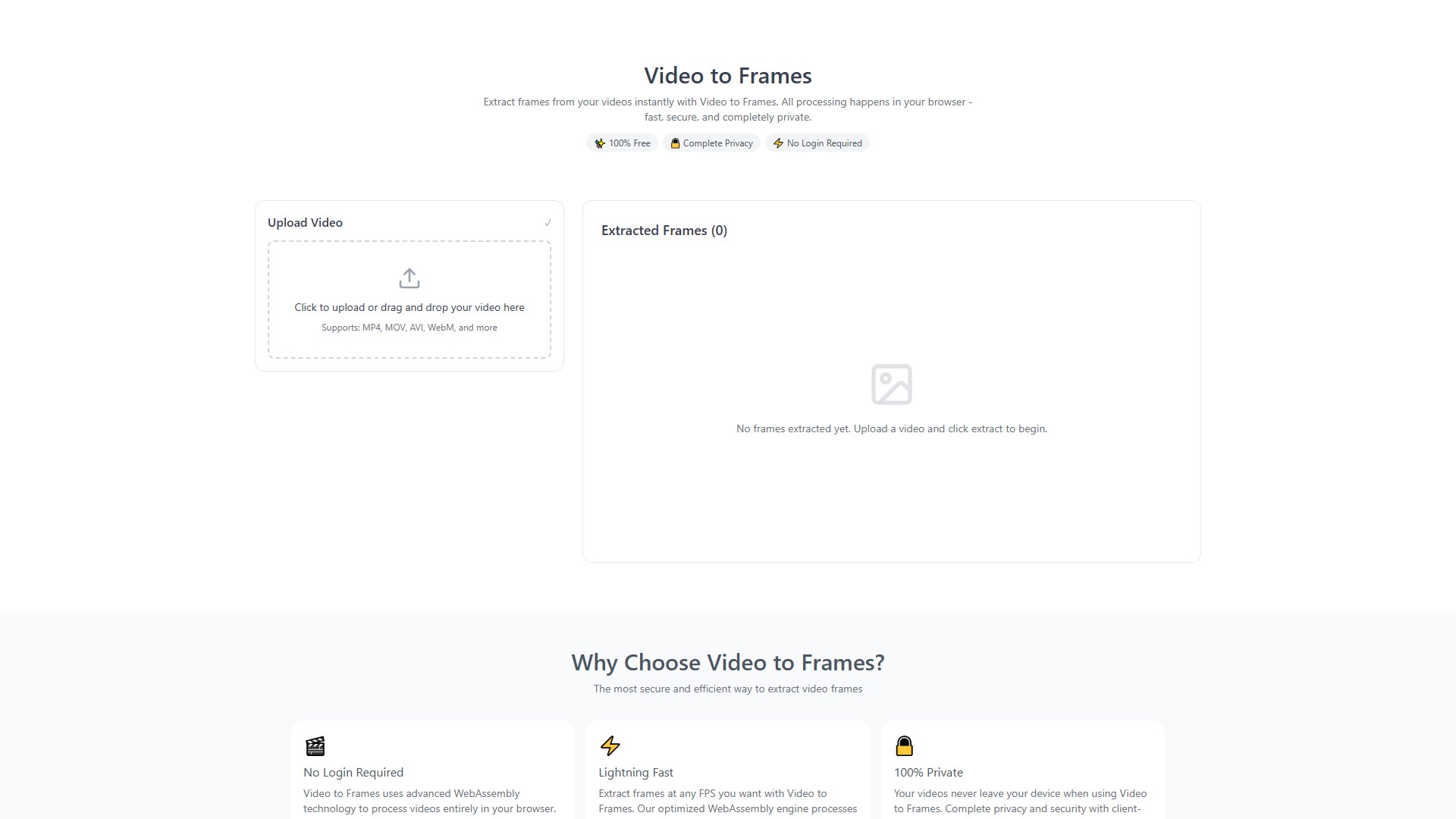
- Extract frames from videos and save as PNG format
- Support custom FPS (frames per second) or extract all frames
- Supported formats: MP4, MOV, AVI, WebM, MKV and more
Core Advantages
- Completely Free: No hidden costs, no subscription limits
- 100% Privacy: Uses WebAssembly technology to process locally in browser, no server uploads
- No Registration Required: Instant use without login or personal information
- Fast & Efficient: Optimized processing engine for quick frame extraction
How It Works
- Upload Video: Click to upload or drag video file to the page
- Configure Settings: Choose FPS or extract all frames
- Extract & Download: Click extract button, download PNG frame images
Target Users
- Content Creators: Extract thumbnails for social media
- Video Analysts: Frame-by-frame video analysis
- Animation Designers: Create sprite sheets or animation sequences
- Educators: Extract frames from educational videos for presentations
Limitations
- Recommended video size: Under 500MB, 10 minutes duration
- Maximum support: 1GB (but longer processing time)
- Mobile devices: Under 200MB recommended for optimal performance
Important Notes
- Use low FPS (1-2) for long videos to avoid memory issues
- Close other browser tabs during processing
- Don't refresh the page while extracting
- 4K videos may take several minutes to process
가격 모델:
Free
의론