
Web2Chat
Main Features and Modules
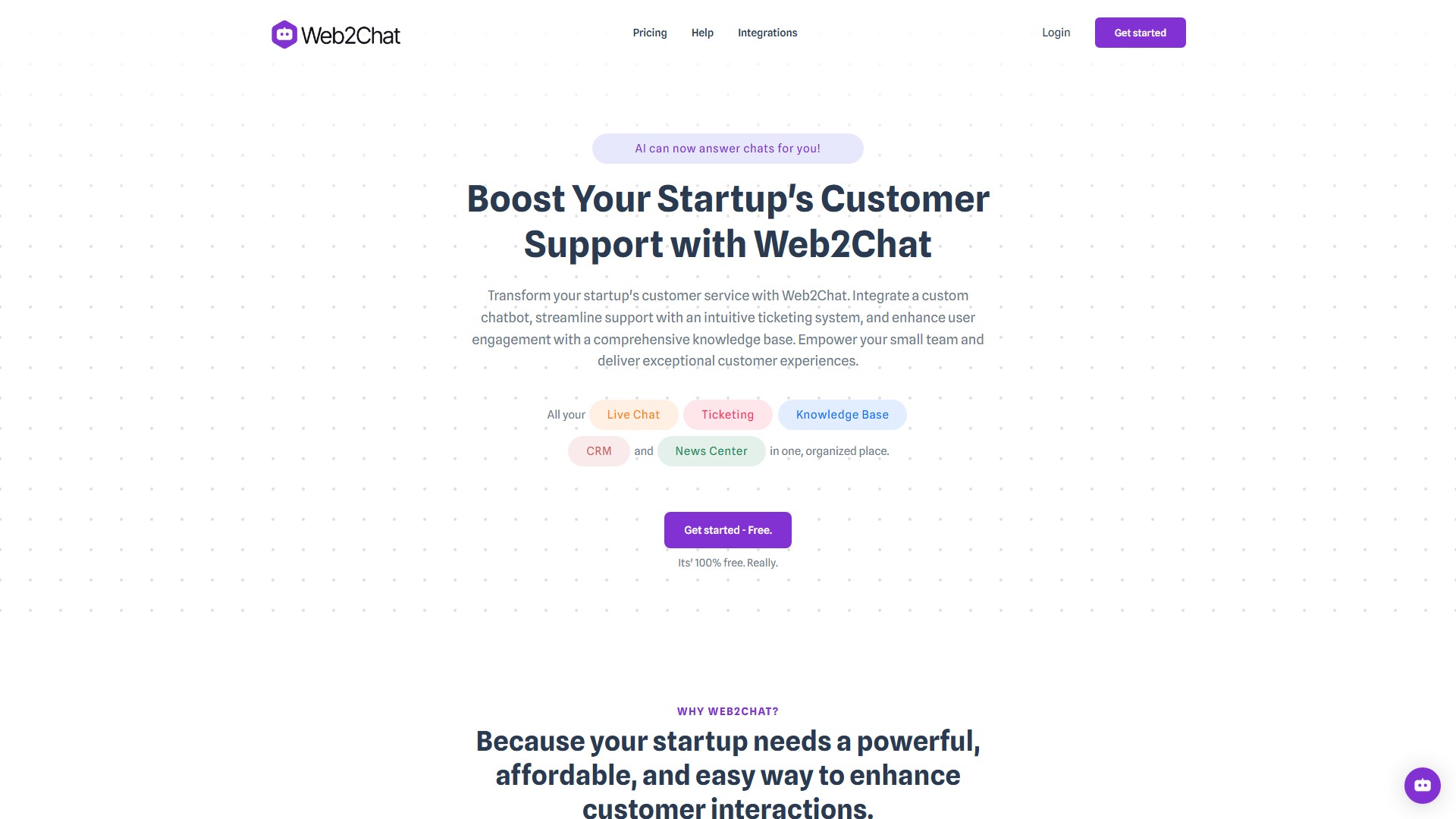
- Shared Inbox: Centralize all customer communications in one place for efficient management. It offers a unified inbox for managing live chat, emails, and more; allows creating and tracking support tickets effortlessly; enables assigning and prioritizing tickets within the team; monitors ticket status and response times; and includes integrated email notifications for seamless follow-up.
- Messenger: Engage customers with a customizable chat widget that provides real-time support. Features include real-time chat support, customizable appearance to match the brand, AI-powered chatbot integration for automated support, seamless transition from chatbot to human agents, and multi-language support for a global audience.
- Knowledge Base: Provide self-service options with a comprehensive knowledge base. Users can create and organize articles and FAQs, offer searchable content for quick access to information, make regular updates based on customer feedback, support multiple languages, and integrate SEO and analytics for tracking usage.
- Aura (AI Assistant): Enhance customer support with Aura, the AI assistant powered by ChatGPT. It provides AI-powered responses based on content, allows training the AI with snippets, PDFs, and website content, offers customizable AI behavior and responses, ensures seamless handoff to human agents when needed, and collects and analyzes customer data for insights.
- CRM: Manage customer relationships effectively with integrated CRM features. It collects and organizes customer data, provides custom fields for tailored data collection, tracks customer interactions and history, segments customers based on attributes, and integrates with other tools for a comprehensive view.
- News Center: Publish updates and news articles to keep customers informed.
Key Characteristics & Advantages
- Connect Instantly: Ensures being there with answers when customers have questions, giving them the confidence to choose the product over the competition.
- Simplify Management: Consolidates all communications into one platform, giving a clear, organized view of every customer journey, and making it easier to provide exceptional service.
- Enhance Efficiency: Identifies common questions and creates a comprehensive knowledge base, empowering the support team to respond quickly and allowing customers to find answers on their own, boosting satisfaction and efficiency.
- Other Advanced Features: Workload management automation, lead generation, behavioral settings, consent forms, auto-close conversations, omni-channel inbox, advanced branding options, multiple content sources integration, custom objects, JavaScript API, 1880+ emojis, Geo IP tracking, real-time sentiment tracking, unlimited history, engagement tracking, ban/unban visitors, agent alerts, file transfer, tags, and secure encryption.
Target Users
Startups and small teams.
Pricing Model
100% free, free forever, no credit card required, 2-minutes set-up.
Frequently Asked Questions (FAQ)
- How does the Messenger feature work? It provides an efficient and interactive chat interface, allowing real-time customer support.
- Can I customize my Help Center? Yes, it can be tailored with advanced customization options to fit the brand and needs.
- What is AI and Human Support? It combines AI-powered responses via ChatGPT with human support, ensuring customers always get the help they need.
- How do I create a Knowledge Base? Self-help articles can be created and managed in the Knowledge Base, providing valuable information to customers.
- What is the News Center? It allows publishing updates, news articles, and changelogs to keep customers informed.
- Can I use a Custom Domain? Yes, content can be hosted on a custom domain.
- Is Multilingual Support available? Yes, support is offered in 45+ languages, making it easy to serve a global audience.
- Can I manage my teammates? Yes, tasks can be managed and assigned to team members, ensuring efficient collaboration.
- Can I customize widgets? Yes, widgets can be designed to fit the brand and needs, ensuring a consistent user experience.
- Is our data safe? Yes, data security is ensured with robust encryption, protecting customer information.
- Can I add text content to train the chatbot if I don't have web pages to scrape or files to upload? Yes, text content can be added directly to train the chatbot.
- Can I upload files to train the chatbot? Yes, files can be uploaded to provide content for training the chatbot.
- How long does the training take? It depends on the amount and complexity of the content, but typically takes a few minutes to a couple of hours.
- What type of content can we use to train the chatbot? Various types of content can be used, including text snippets, web pages, and uploaded files.
議論する