
powered by ChatGPT
Main Features & Characteristics
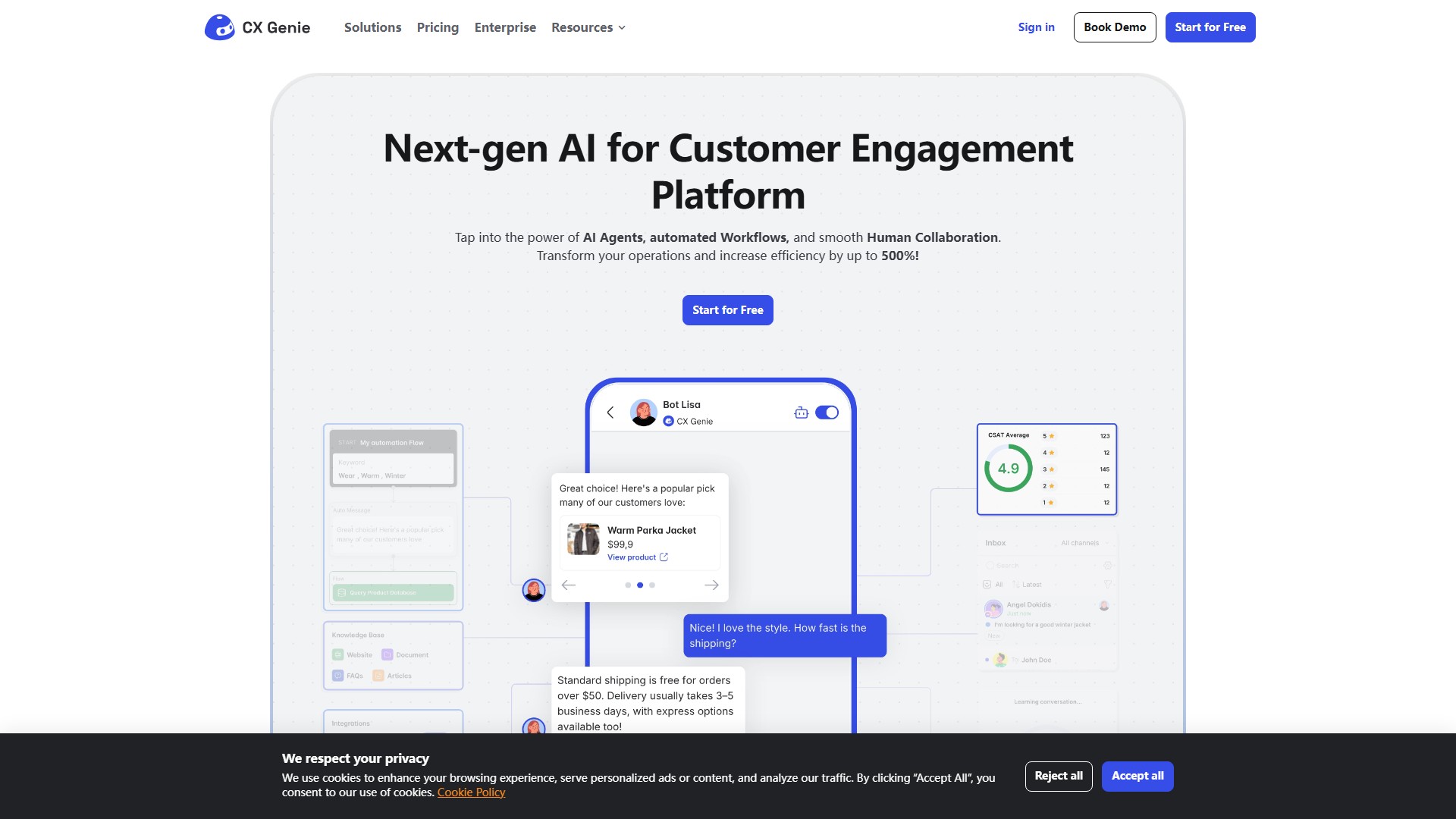
Provides AI Agents & AI Auto-Reply (supports nearly 200 languages, responds in under 10 seconds), Helpdesk (flexible chat assignment and CSAT reports), Ticket Management, Emotion & Intent Detection, AI Collect Lead Forms, Custom Chat Flows, Track Team Activity, Auto Collect Feedback, Collect Phone/Email, and Auto-tagging by AI. Uses the ChatGPT-4o model by default and features learning from conversations.
Target Users
Customer Support Teams, Agencies, and E-commerce Businesses. Ideal for teams needing a smart support system with Ticket Management, HelpDesk, and AI Agent all in one platform.
Usage Process
- Sign up for Free (no credit card required); 2. Customize your AI Agent using templates or visualized Workflows; 3. Go live by connecting to any platform like WhatsApp, Messenger, Instagram, Shopify, WordPress, Discord, or Telegram with a click.
Core Advantages
No-code practice required. Replaces more than 9 different software programs (e.g., Flowise, Botpress, N8N). Offers seamless AI to Human handover and auto-training from previous conversations.
Pricing Information
- Free: Includes AI Agent, AI Auto Reply, Workflow, Live Chat, Help Desk, 1 seat, 200 conversations/month. Always Free.
- Starter: $39.99/month, 5 seats, 5,000 conversations/month.
- Team: $89.99/month, 15 seats, 15,000 conversations/month, plus Ticket and Mailbox features.
- Business: $249.99/month, Unlimited seats, 60,000 conversations/month, plus Bot for Multiples Brands and White Label.
- Enterprise: Includes Custom AI Training Model, SAML SSO, 99.9% SLA commitment, dedicated infrastructure. Contact for pricing.
FAQs
- "Conversations" count each time a customer starts a chat, even if they leave without replying.
- Exceeding the message limit temporarily pauses only the AI reply feature; other features continue to work.
- You can create unlimited bots with a subscription plan.
- Agents receive real-time notifications with sound alerts when a customer chats with the bot.
- Customer contact information can be updated via the Contact List.
- You can create unlimited workspaces with one account, but a subscription plan applies to only one workspace (separate plans needed for additional workspaces).
議論する