
Passport Photo Maker

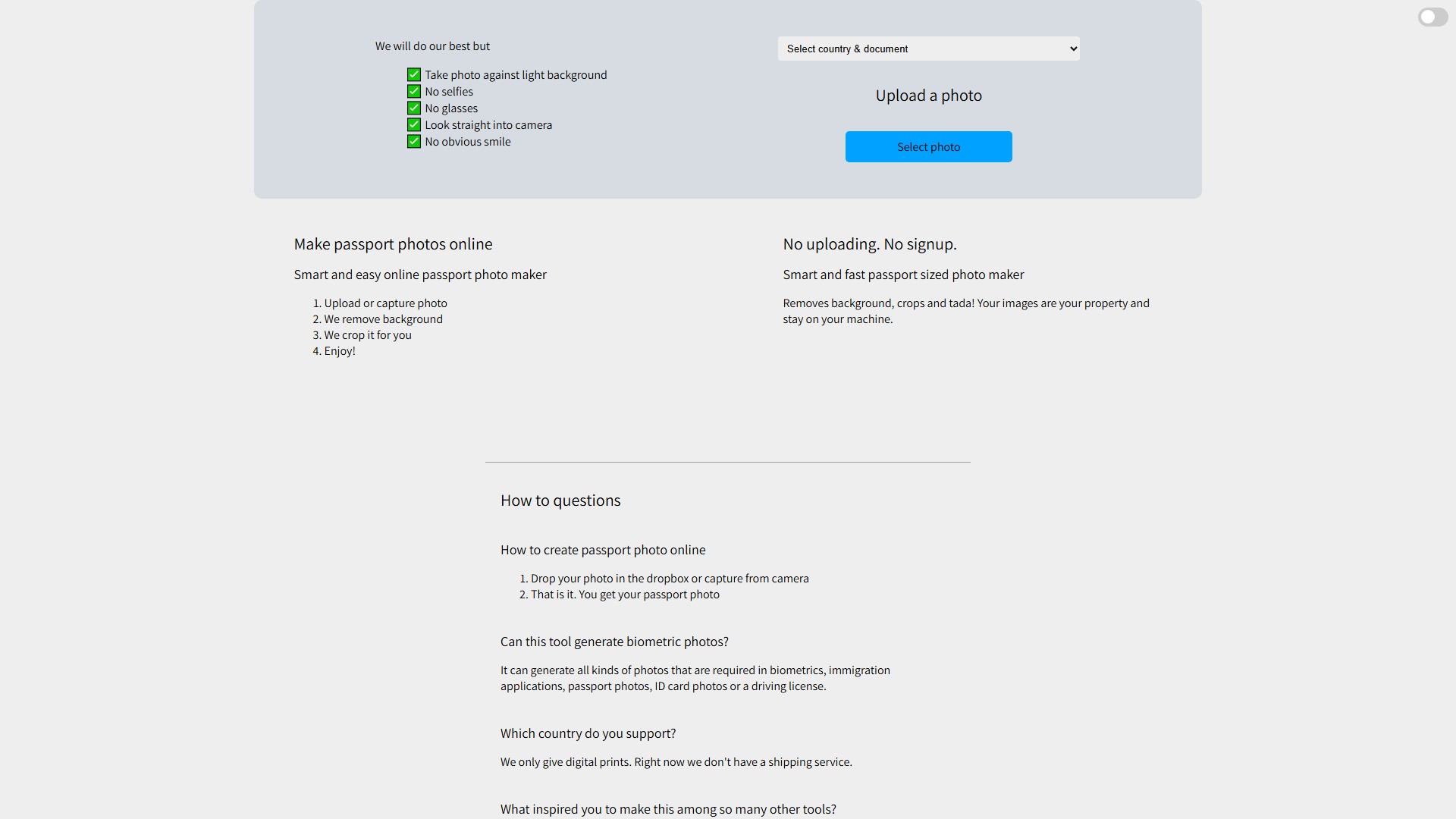
- Main Features & Characteristics:
- Intelligently removes background and automatically crops to generate standard ID photos.
- Supports photo specifications for various documents (passports, visas, ID cards, driver's licenses, residence permits, green cards, work permits, etc.) across hundreds of countries and regions worldwide.
- Privacy protection: No need to upload photos to a server; all image processing is done locally on the user's machine, and users retain full ownership of their images.
- No signup or login required.
- Instructions & Workflow:
- Select the corresponding country and document type.
- Take a photo against a light background (no selfies, no glasses, look straight into the camera, no obvious smile).
- Upload a photo or capture directly using the camera.
- The tool automatically removes the background and crops the image to deliver a digital ID photo.
- Target Users & Core Advantages:
- Suitable for users applying for various country visas, passport renewals, or processing various identity documents.
- The core advantage is that it is completely free, addressing the pain point of expensive alternative tools; it is extremely simple, fast, and highly focused on user privacy.
- Notes & Limitations:
- Currently in Beta stage and may not work properly on some mobile phones.
- Only provides digital prints; there is no physical photo shipping service available at this time.
- FAQ:
- Can this tool generate biometric photos? It can generate all kinds of photos required for biometrics, immigration applications, passport photos, ID card photos, or a driving license.
- Which countries do you support? They only give digital prints right now, without a shipping service, but support a vast list of countries and specific documents.
- What inspired you to make this? A friend asked for it, and other tools are super expensive for no good reason, hence this free tool.
Accès:
17.4K
Pays:
United States
Débat