
Save Bulk Gmail Attachments
Main Features
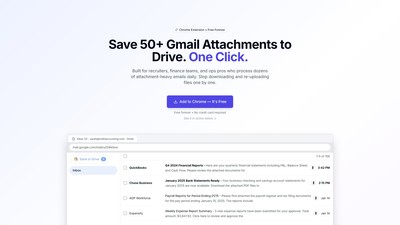
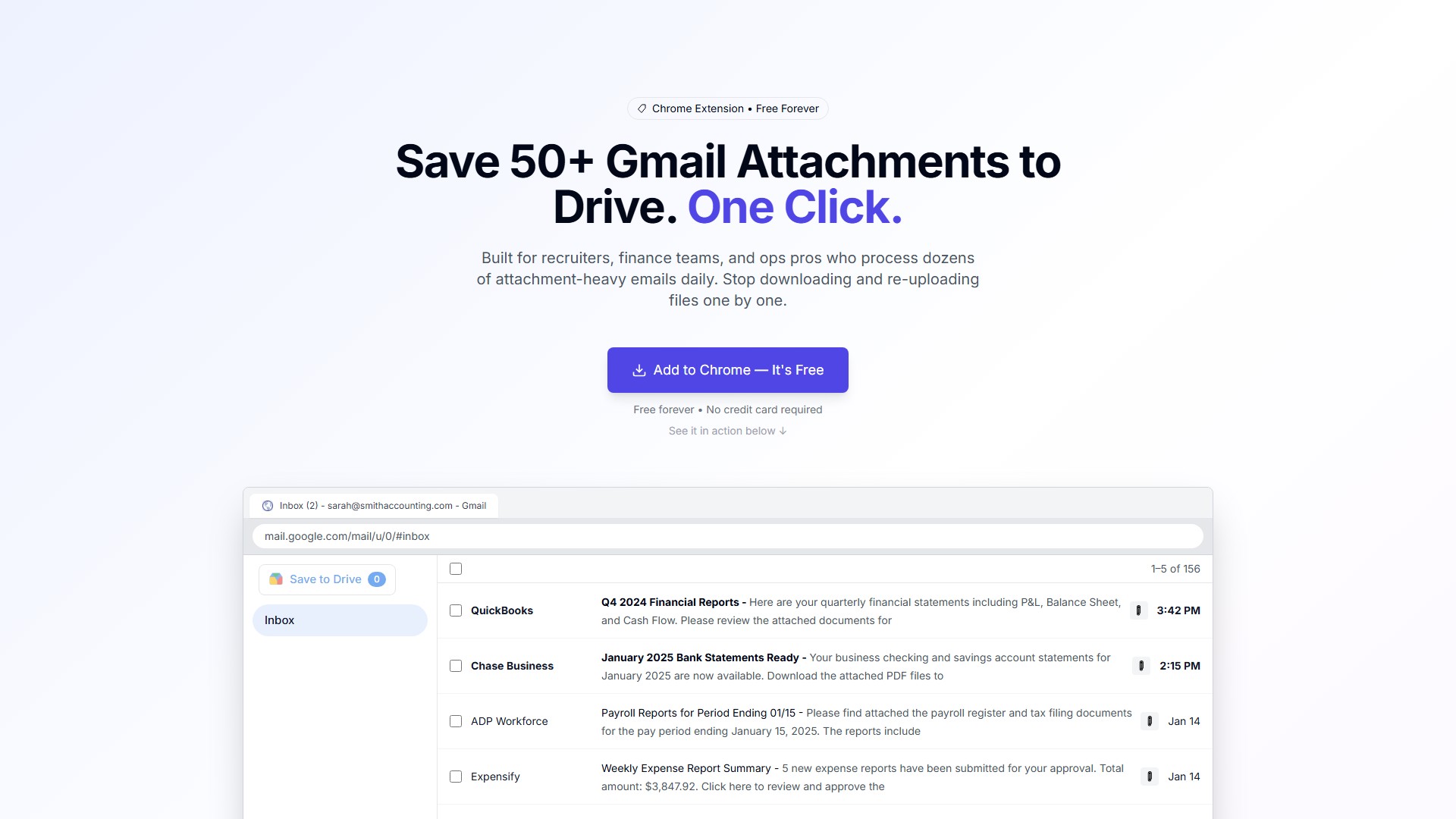
- One-Click Bulk Save: Select one or hundreds of emails and save all attachments with a single click.
- Multiple Save Options: Get attachments organized into a single ZIP file or save them directly to Google Drive.
- Smart Organization: Automatically organizes files, preventing clutter in your downloads folder.
- All File Types Supported: No restrictions on file types.
Target Users
- Recruiters
- Finance teams
- Operations professionals
- Anyone who processes dozens of attachment-heavy emails daily.
How It Works
- Select Emails: Choose emails with attachments in your Gmail inbox.
- Click 'Save All': Click the extension's button to save all attachments from the selected emails.
- Get Organized Files: Receive a neatly organized ZIP file or have files saved directly to your Google Drive.
Core Advantages
- Speed: 60x faster than manual downloads (50 files: 30s vs 30min).
- Privacy: 100% privacy guaranteed, your data never leaves your computer.
- Automation: Zero files missed with automated capture.
Pricing Model
- Free Forever:
- Price: $0 / forever
- Limit: 25 attachments daily
- Features: One-click bulk save, direct Google Drive sync, smart auto-organization, all file types supported.
- Go Unlimited (Pro):
- Price: $4.99 / month
- Features: Unlimited attachments, process 1000s of files, priority support, early feature access, team collaboration ready.
Security & Privacy
- Your Data Stays Yours: Your data never leaves your computer. All processing happens in your browser.
- Zero Data Storage: The extension never reads your emails; it only accesses attachment metadata.
- Official Google APIs: Utilizes Google's secure, approved methods.
- Minimal Permissions: Requests only what is absolutely necessary.
- Compliance: Complies with the Chrome Web Store's User Data Policy and has passed Google's security review.
Frequently Asked Questions (FAQ)
- Is it safe? What permissions does it need?
- What's the daily limit? What counts as "25 emails"?
- Which file types and sizes are supported?
- How does Google Drive integration work?
- Does it work with Google Workspace accounts?
- What happens if my download is interrupted?
- Can I see which emails have attachments before downloading?
- How do I upgrade to Pro?
가격 모델:
Freemium
Paid
의론