
PackPack - AI
Main Features
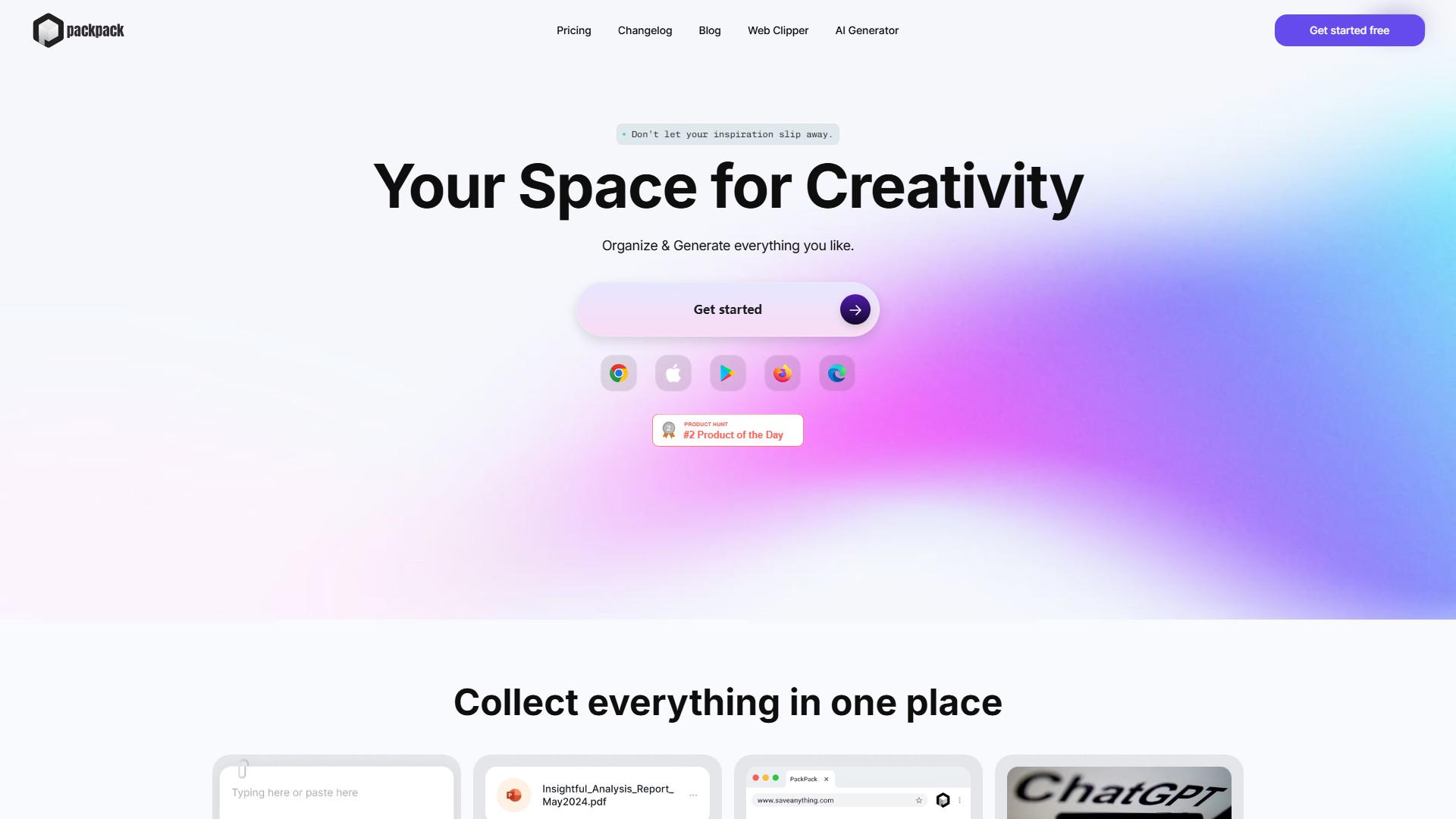
- Collect & Organize: Unified management of notes, to-do lists, images, files (JPG, PDF, Word, Excel, etc.) and web content
- Web Clipper: One-click saving of text, images and links from any website
- AI Features: Automatic image tagging, intelligent Q&A, content summarization
- Cross-device Sync: Real-time data synchronization across browsers, phones, and tablets
- Seamless Browsing: Continuous scrolling layout for easy browsing and content discovery
How to Use
- Install browser extension (Chrome, Firefox, Edge)
- Use Web Clipper to save web content
- Add notes, photos, videos via mobile app
- Organize and manage content on web platform
Target Users
- Creative directors
- Marketers
- Interior designers
- Researchers
- Artists
- Project managers
- Teachers
Core Advantages
- AI-powered smart tagging and search
- Support for multiple file formats
- Seamless cross-device synchronization
- One-click saving, easy operation
- Multi-language support
FAQ
- Can save in one browser and access on another browser or device
- Supports saving all types of content: text, images, files, links, etc.
- Save content via Web Clipper, mobile app, or web platform
- Saved content does not expire
- Saves Q&A interaction history
Modèle De Prix:
Freemium
Débat