
iMindmap
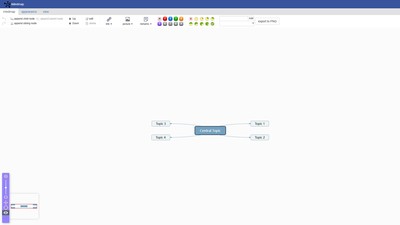
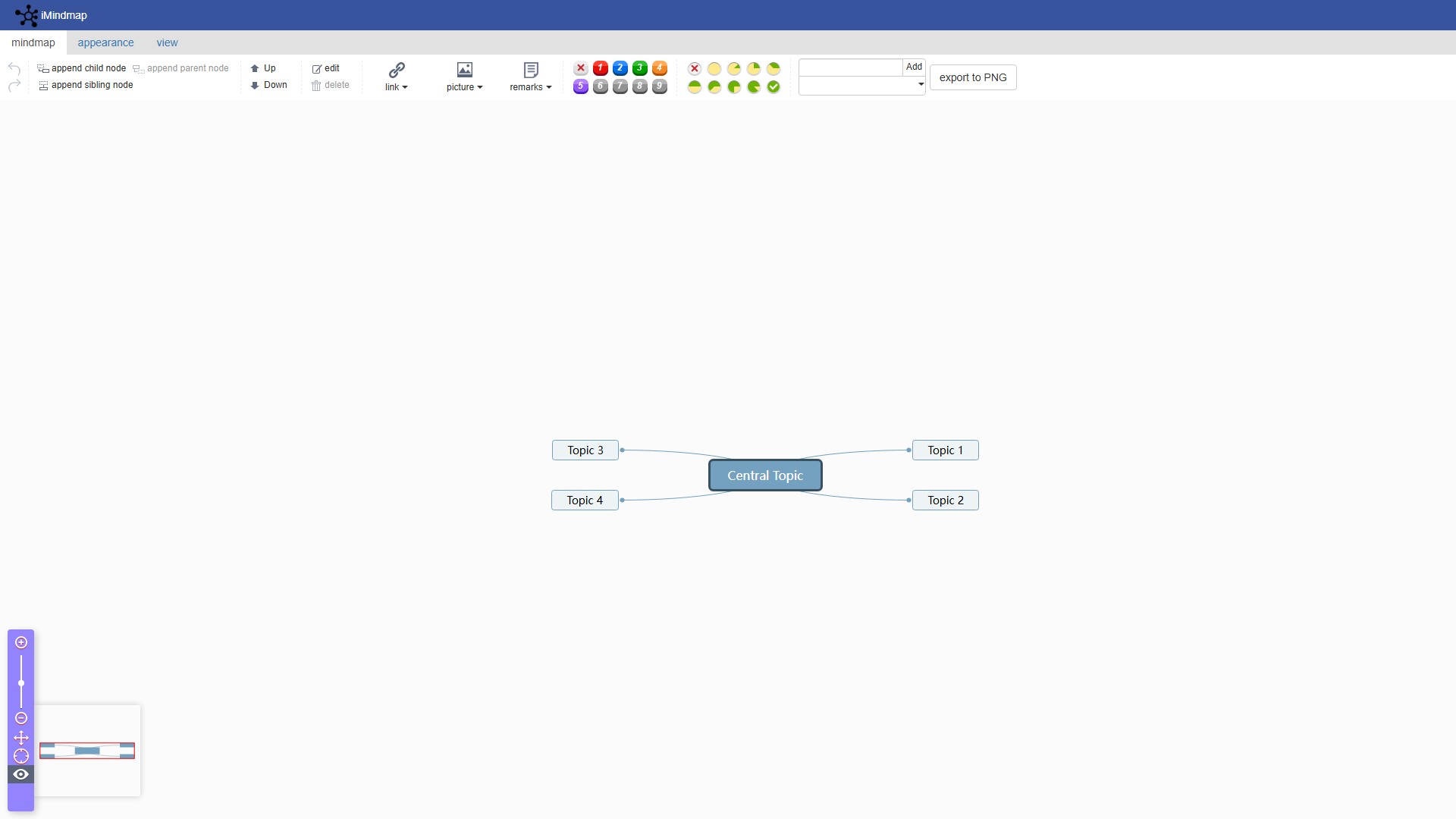
Main features:
- Node operations: Support adding child nodes, parent nodes, sibling nodes, as well as editing, deleting, and moving nodes
- Content enhancement: Support inserting links, images, and remarks to enrich mind map content
- Style customization: Provide multiple theme styles (Sky blue, Encephalogram, Compact classic, Fishbone diagram, etc.), support font and font size adjustment
- Export function: Support export to PNG format
- View control: Support multi-level node expand/collapse, select all, reverse selection, search and other operations
- Shortcut key support: Provide rich shortcut operations, such as Tab to add child nodes, Enter to add sibling nodes, Delete to delete nodes
Usage flow:
- Create central topic
- Add child nodes through Tab key or menu
- Use Enter key to add sibling nodes
- Edit node content and add links, images or remarks
- Select appropriate theme style
- Export to PNG format
Core advantages:
- Simple and intuitive interface, easy to operate
- Support multiple layouts and theme styles
- Rich shortcut operations improve efficiency
- Free online use, no installation required
Target users: Students, teachers, project managers, product managers, designers and other user groups who need to organize thoughts and plan work
Modèle De Prix:
Free
Débat