
AI Image Enlarger
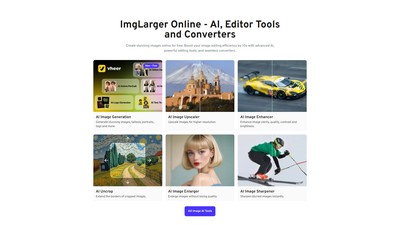
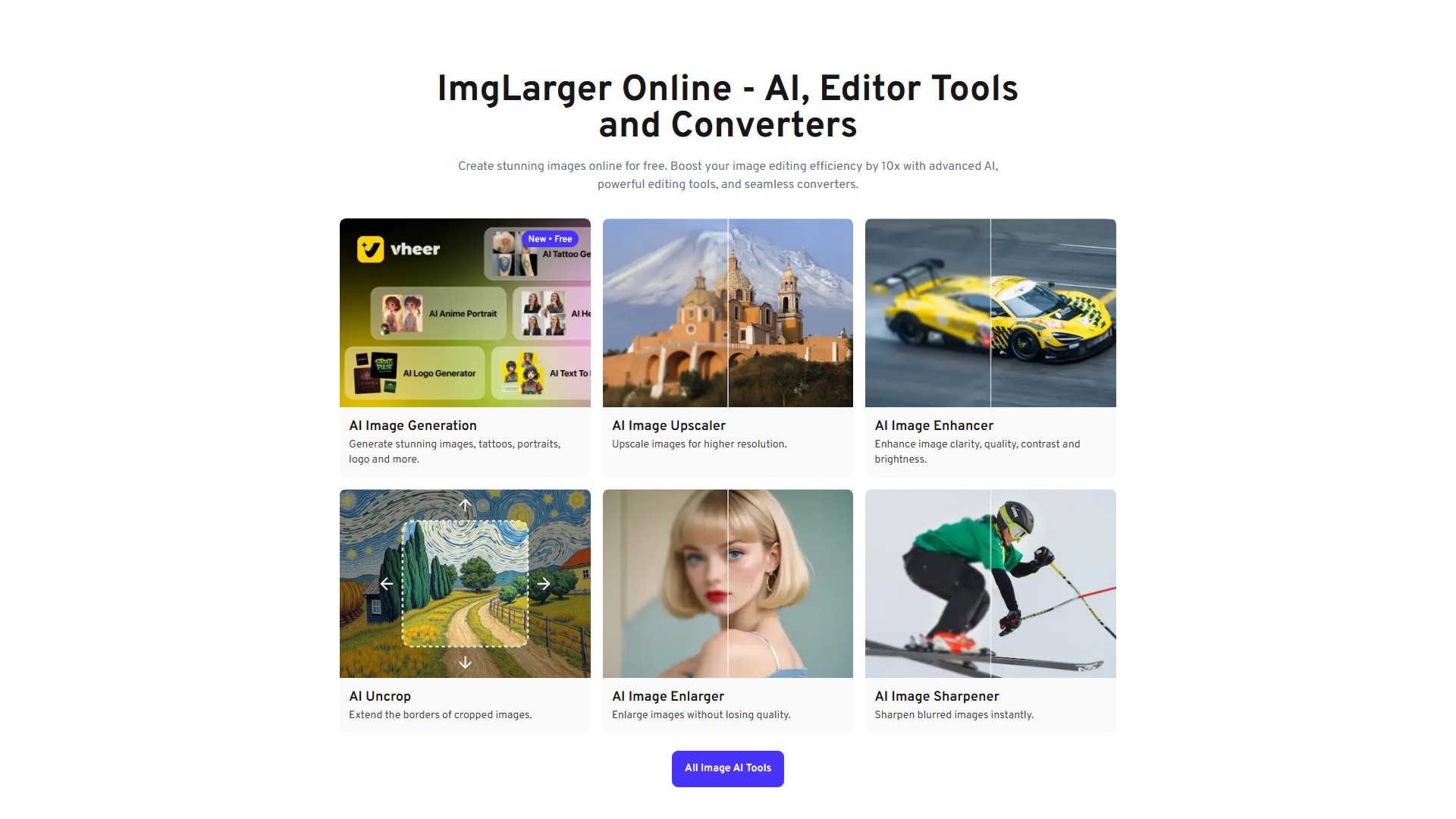
Main Features: Imglarger is a powerful photo enhancer that can enlarge image size without losing quality. With AI, you can upscale an image by 200%, 400%, and 800% with one click automatically, remove blur, and improve clarity while resizing.
- Upscale & Resize Image: AI Image Enlarger batch enlarges images up to 8x resolution; AI Image Upscaler batch enlarges images while keeping quality intact; AI Anime Upscaler creates high-res anime or cartoon wallpapers; Resize image Batch resizes images by percentage or dimension.
- Unblur & Enhance Photos: AI Image Sharpener fixes pixelated images and improves clarity; AI Image Denoiser cleans up images by removing noise; AI Portrait Retouch touches up photos to enhance facial features; AI Image Enhancer instantly corrects color, contrast, and brightness.
- Old Photo Restoration: AI Photo Restoration restores old photos and enhances their quality; AI Old Photo Repair removes scratches and creases; AI Photo Colorizer colorizes black and white photos automatically.
- AI Generation Tools: AI Uncrop expands images to reveal more details; AI Cartoonizer turns portraits into cartoon drawings; Vheer AI Image Generation generates stunning images, tattoos, portraits, and logos.
- AI Remover Tools: AI Background Remover creates transparent backgrounds for any design; AI Object Remover easily removes unwanted objects from photos.
- Photo Editors: Crop, rotate, flip images, adjust image filters, brightness, contrast, saturation, exposure, temperature, gamma, clarity, and vibrance.
- Image Converter: Seamless conversion across various formats including Webp, Jpg, Png, Jpeg, Jfif, and Svg. No files uploaded to servers required, 100% free.
Core Advantages:
- Automatic and Fast: Quick photo enhancer that automatically improves image quality in seconds with AI-powered upscaling.
- Best Quality: Enhance images up to 8k resolution with advanced algorithms, ensuring top-notch quality.
- Data Safe Guarantee: All files are deleted automatically after 24 hours post-processing.
- Batch Processing: Enhance multiple images simultaneously for fast, bulk photo processing without delay.
Usage Instructions & Workflow:
- Sign up for a free account or sign in.
- Choose the desired AI tool (e.g., AI Image Enlarger, AI Image Denoiser) or editing/conversion feature.
- Upload the image (supports jpg and png formats).
- Click the 'Start' button to begin the process (e.g., noise reduction, enlarging, background removal).
- Once done, save the resulting image on the computer without watermarks.
Pricing & Price Information: Offers freemium and paid subscription models. Free members can upscale images up to 2x and 4x, with a maximum upload size of 12001200. Premium users can additionally resize images up to 8k, and upload photos with a maximum size of 40004000. A paid subscription is recommended if you need to upscale numerous photos.
Detailed FAQ:
- Difference between Image Enlarger and AI Image Upscaler? The former enhances standard photos with sharp details, while the latter works best on anime and cartoon images with smoother results.
- How to remove noise from an Image? Select the AI Image Denoiser tool, upload the image, and click 'Start' to begin the noise reduction process.
- Why use AI Face Retouch? From selfies to portraits, it makes blurry portraits clear and enhances natural beauty by sharpening details, reducing noises, and correcting colors.
- Is it possible to enhance photo quality on iPhone? Yes, download imglarger's app PhotoAI on iPhone, which is a photo editor with 10 functions to increase image resolution, upscale anime pics, enhance color, etc.
Accès:
2.9M
Pays:
United States
Modèle De Prix:
Paid
Prix
Free
$0.00/ Month
Premium
$9.00/ Month
Advanced
$19.00/ Month
Débat