
InboxPro
Main Features:
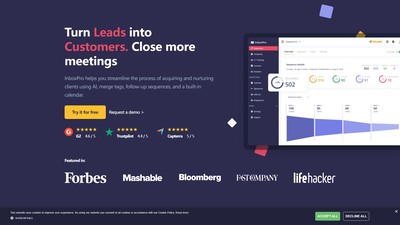
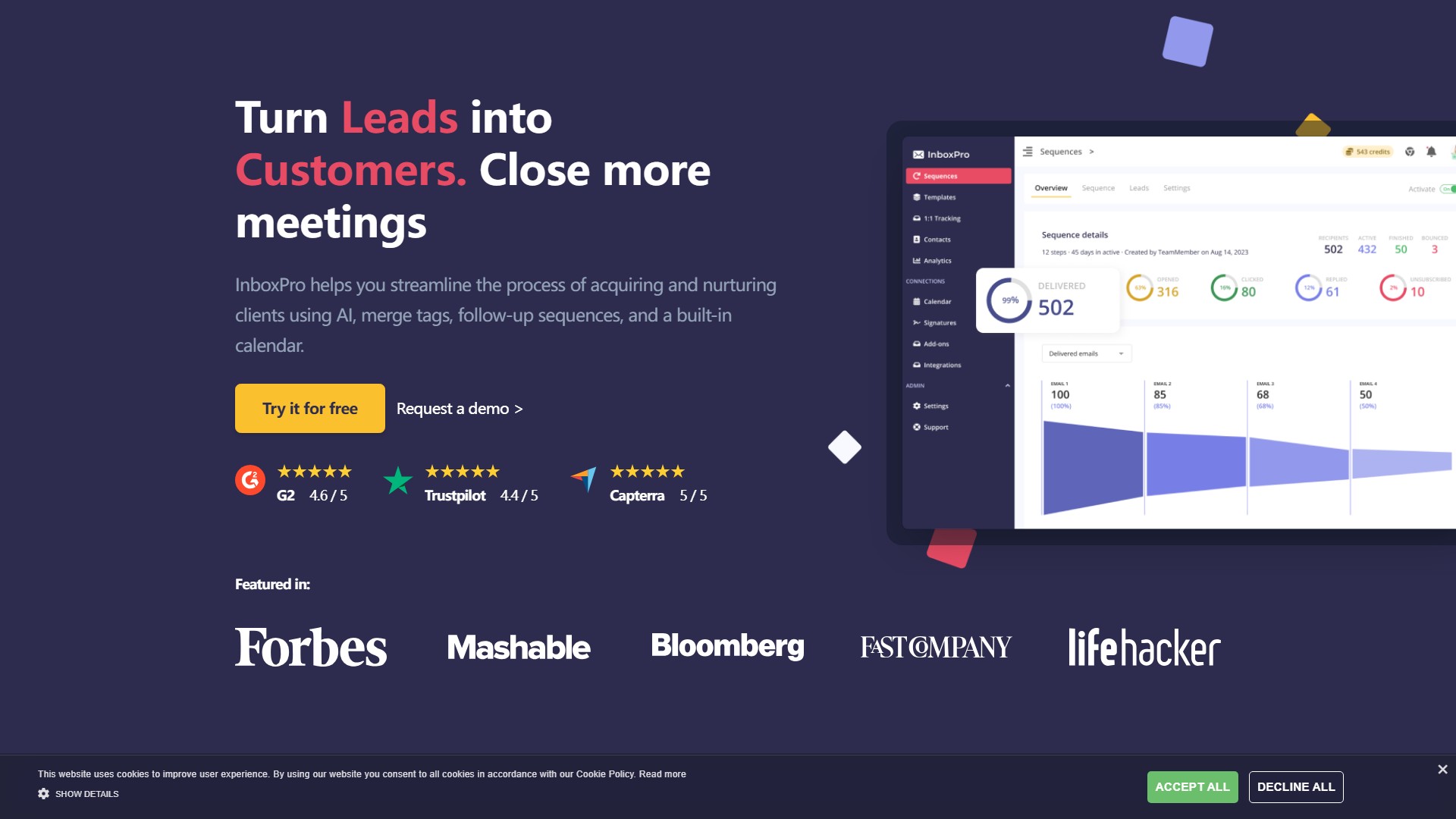
- AI Email Assistant: Compose and summarize emails magically in one click. Just write down the subject, keywords, and tone of voice for professional email generation, composing x5 faster.
- Calendar Schedule: Let other people schedule meetings with you. Integrated with Google Calendar, fully automated and overlap-free, with easy link sharing.
- Sequences: Build automated follow-up sequences. Easily set up a sequence with multiple triggers and conditions depending on sales objectives, with total control via play and stop buttons.
- Email Tracking: See who opens your emails and clicks your email links. Receive notifications when emails are opened or links are clicked to know if the conversation is getting hot.
- Email Templates: Compose and save email templates. Stop writing the same emails over and over to make sales and customer support teams happier.
- Merge Tags: Personalize communications by including contact name and/or company. Available for subject and body use, fully integrated with contacts, multiple tags depending on fields.
- Email Analytics: Visualize Gmail account activity statistics (emails sent/received, top performance emails, busy hours) to make intelligent decisions based on data.
- Signatures: Add a professional and beautifully designed signature with picture and contact details to make your brand stand out.
- Signatures generator & Email checker: Tools to use professional email signature templates and easily check if an email address exists.
Core Advantages:
- More efficient: Easily guide email contacts from prospects to clients by setting up a simple method that ensures conversions.
- More freedom: Stay away from multiple phone calls and back-and-forth emails. Single task: close the deals.
- More predictable: Make forecasts and better organize business: add more prospects for more clients, or turn off the funnel.
- Easy to start: Zero learning curve, easy and updated UX, no demo needed.
- World-class CX: Help center with 100+ tutorials, online chat, and email support.
- 100% Secure: Industry-standard security certifications: RGPD, HIPAA, ISO, etc.
Usage Process:
- Import your contacts: Effortlessly transfer collected email contact lists or add new ones manually (Gmail contacts integrated, classified into folders, editing options).
- Use the AI Email assistant: Let AI do the hard work and compose emails in seconds.
- Validate your email sequence: Set up follow-up sequences with triggers and conditions.
- Use merge tags to personalize: Give a human touch and showcase deep understanding of prospects' real challenges.
- Set up your calendar to receive appointments: Set availability and let prospects choose the best time.
Pricing Information: Offers a Free plan forever to try all features. Also provides paid options with volume discounts when adding team members. Specific pricing tiers are not detailed on the page.
Target Users: People with high volume email work needing to track email activity, sales teams, customer support teams, marketing managers, CEOs, etc.
Visits:
43.6K
Country:
United States
Pricing Mode:
Freemium
Prices
Pro
$ 24 / mo
Advanced
$ 49 / mo
Growth
$ 99 / mo
Custom
Custom pricing
Comment