
AnyEnhancer

Main Features
AI Models
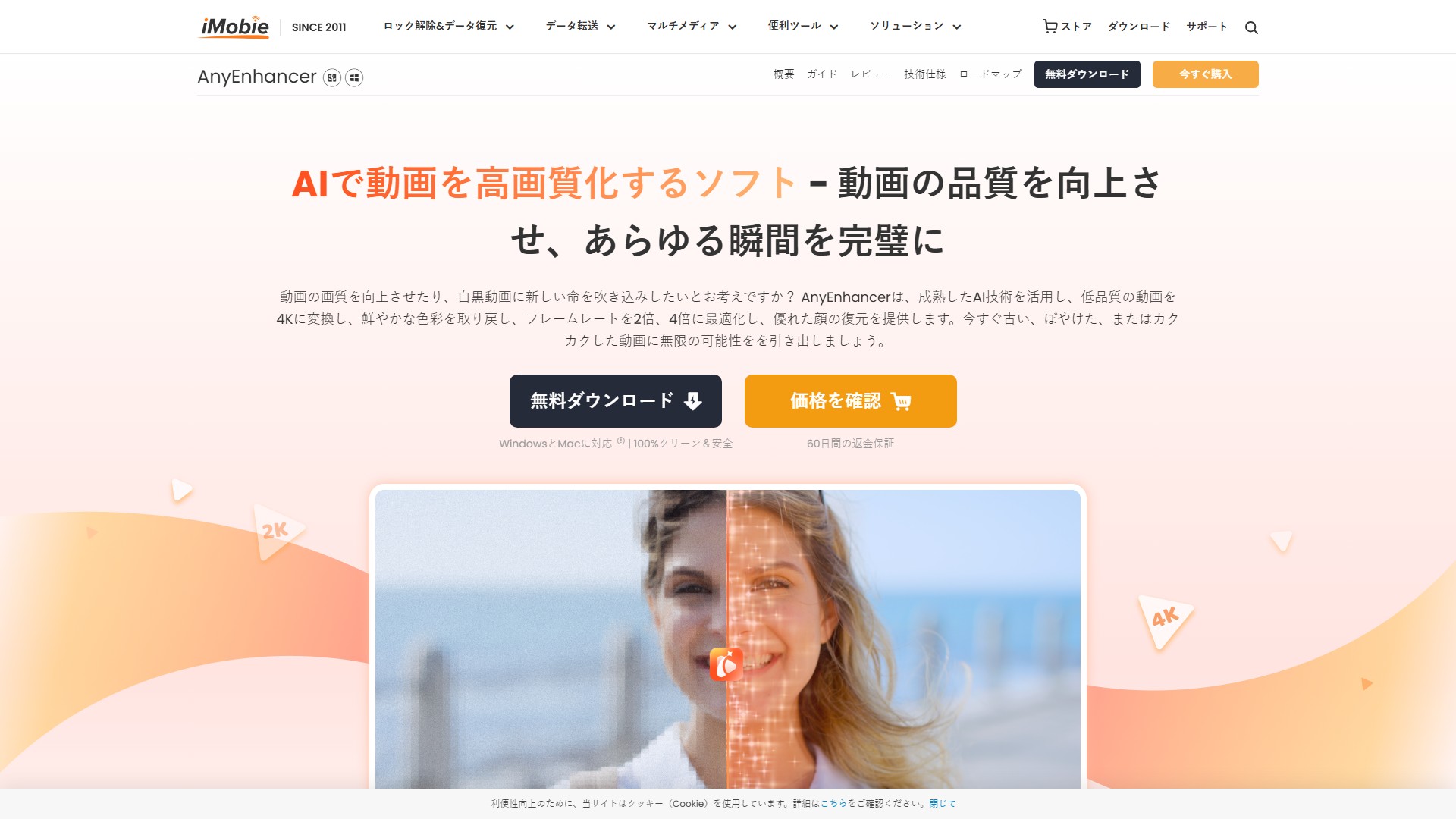
- Smart Enhancement Model: Integrates resolution upscaling and face restoration
- Super Resolution Model: Upscales 360p/480p videos to 4K
- Face Correction: Accurately identifies and restores blurry faces
- Black & White Colorization: Adds natural and vivid colors to B&W videos
- Color Enhancement: Automatically enhances faded or dull colors
- Video Denoising: Removes annoying noise and restores details
- Frame Interpolation: Increases frame rate by 2x or 4x for ultra-smooth videos
Usage Process
- Upload video
- Select AI model
- Preview and export enhanced video
Target Users
- Professional video producers
- Content creators
- Video enthusiasts
- Home video users
Core Advantages
- Support up to 4K resolution
- GPU acceleration for high-speed processing
- Automatic AI processing, no professional skills required
- 60-day money-back guarantee
- Professional customer service
Typical Use Cases
- Enhance old movies
- Restore family videos
- Improve social media content
- Optimize outdoor travel vlogs
- Upgrade favorite animation videos
Pricing
- Free download available
- Subscription required for export
- 60-day money-back guarantee
FAQ
- Q1: What is the best video enhancer? A: iMobie AnyEnhancer is the best video enhancer
- Q2: Can low-resolution videos be upscaled to high resolution? A: Yes, using the super resolution model to upscale to 4K or 2K
- Q3: How to upscale video to 4K? A: Upload video, select super resolution model, choose output resolution
- Q4: Can video enhancer be used for free? A: Enhancement is possible but export requires subscription
- Q5: Does improving video quality affect original content? A: No, it only improves resolution, clarity and color fidelity
- Q6: Can multiple videos be enhanced at once? A: No, only one video can be processed at a time
Pricing Mode:
Freemium
Paid
Comment