
Trupeer.ai
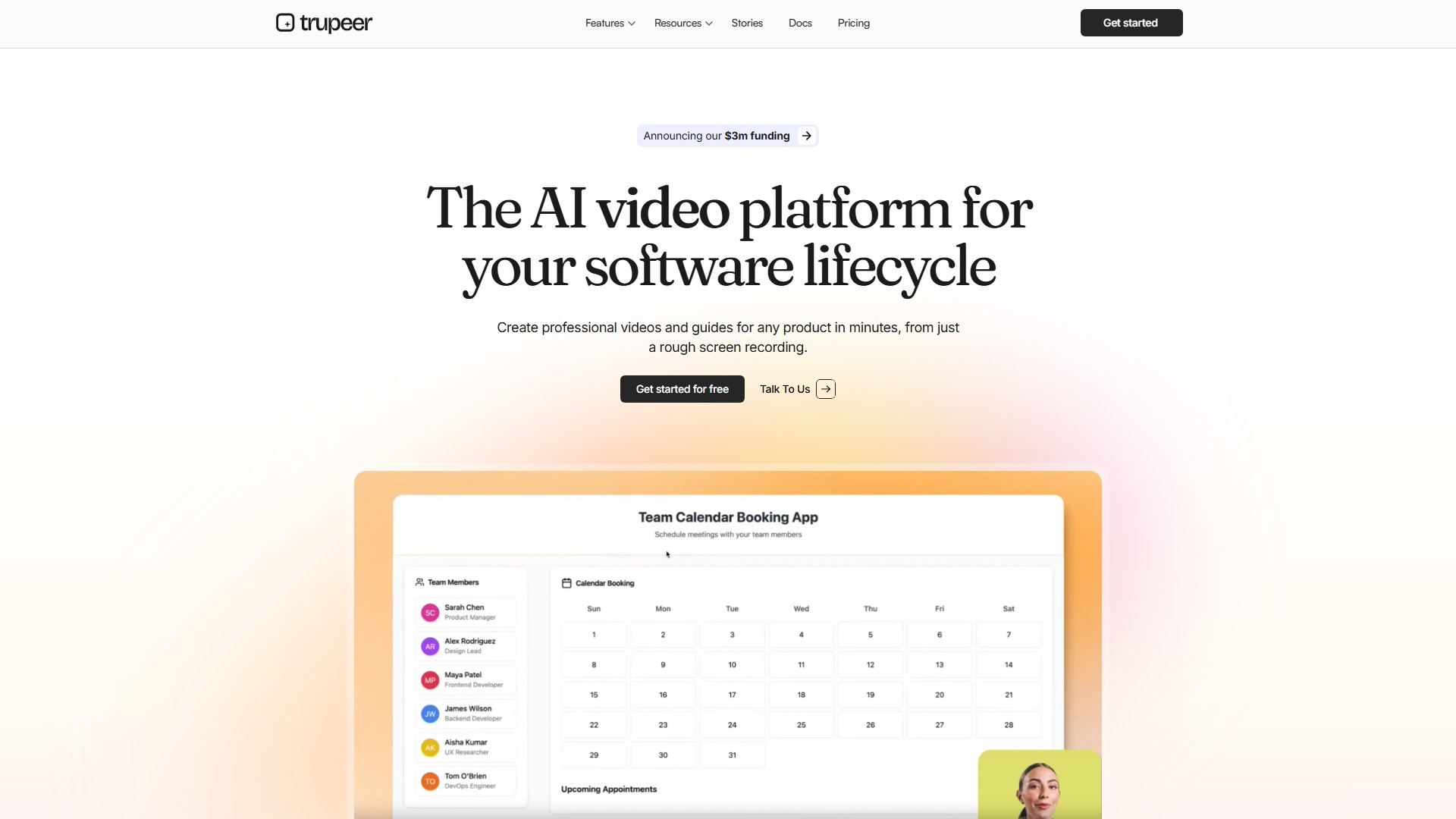
Core Features
- Professional Scripts: Automatically fix grammar, filler words, and script professionalism
- Studio Quality Voiceover: Professional voiceover in any language, style, accent
- Automated Zoom Effects: Automatically highlight key actions with annotations, text and highlights
- AI Avatars: Choose from hundreds of nationalities and personas, or create custom avatar
- Brand Customization: Add custom wallpapers, logos, colors as video templates
- Native Screen Recorder: Chrome extension with intelligent capture of speech and actions
Workflow
- Record Screen: Record with Chrome extension or upload existing recording
- AI Generate: Let AI create video and guide with perfect scripts, voiceover & effects
- Download & Share: Export generated videos and guides, share or embed easily
Key Advantages
- Supports Chrome, Safari, Arc, Edge, Comet browsers
- Translation in 40+ languages
- Enterprise-grade security with ISO 27001 and SOC2 compliance
- Knowledge base with AI video search
Target Users
- Sales teams: Product demos and sales materials
- Marketing teams: Product marketing content
- Training teams: Training videos and guides
- Technical teams: Technical documentation and tutorials
- Customer support: Customer support guides
- Product teams: Product documentation and demos
Pricing
- Free starter version available
- Paid versions with pricing upon contact
Use Cases
- Product training videos
- Presales demos
- Product marketing content
- Customer success guides
- Sales enablement materials
Pricing Mode:
Freemium
Paid
Comment