
Subtitle Generator
Core Features & Characteristics:
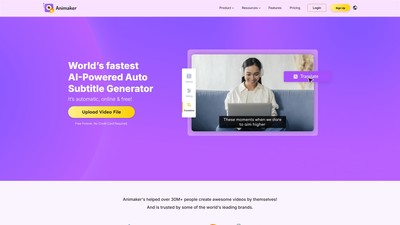
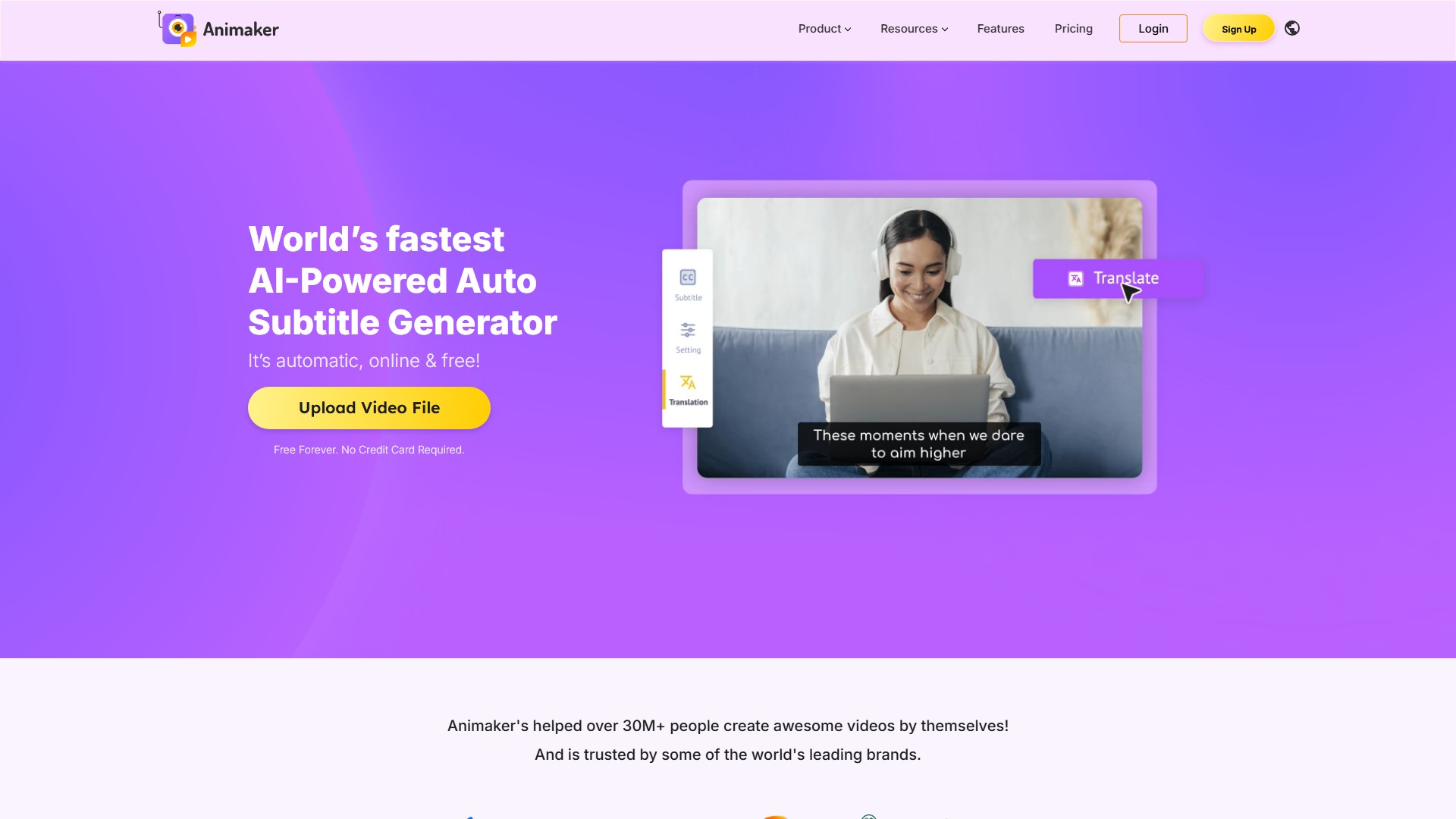
- Auto Generate Subtitles with AI: Animaker’s Automatic Subtitle Maker recognizes speech, generates subtitles, and adds them to your video with just one click to generate accurate subtitles in a jiffy.
- Format like a pro: With a Full featured Text editor, Animaker lets you customize your subtitles completely and format them to fit your brand guidelines.
- 20+ Cool Animations: Add more than 20 awesome animations to your subtitles, making them cooler than ever.
- Auto Translate to 100+ Languages: Loaded with 134 languages, this subtitle maker gives you the power to make your video understandable to people from every corner of the world.
- Manual Subtitling: For perfectionists who want to construct everything from scratch, the Manual Subtitling option helps write subtitles themselves.
- Upload Subtitle Files: Subtitles files in .srt, .vtt, and .ass formats can be uploaded and added to your videos.
Usage Process:
- Upload your video: Add your video to Animaker by simply using drag & drop or selecting it from your computer.
- Generate Subtitles with AI: Once uploaded, simply click on ‘Auto Subtitle’ and wait for the AI to do its magic. Subtitles are added automatically.
- Customise and Download: Customize the subtitles further by adjusting times, changing text format, etc., and simply download the subtitled video.
Importance of Subtitles (Use Cases):
- Improve Video Retention metrics: The combination of audio and textual elements helps people retain information, encouraging them to watch the video till the end.
- No.1 friend on social media: Majority of users watch social media videos on Mute; captions help them understand the real essence of the video and improve social media metrics.
- Break Language barriers: Makes videos accessible for all through transcription and translation.
Pricing & Cost Info: Auto generation, manual typing, and uploading subtitles can be done for free. Translating the subtitles and downloading the generated subtitle files require a premium subscription. The Free plan offers 50 mins of free subtitling, and downloaded videos include a watermark.
FAQ:
- What is a subtitle? Text displayed at the bottom of a video file that transcribes the video content to improve understandability.
- How to make a subtitle file? Use online tools like Animaker’s Subtitle maker to generate subtitles automatically, add directly to the video or download as a raw file.
- How to auto-generate subtitles online? Head over to Animaker’s subtitle maker, upload your video, and the app automatically transcribes voice to text and adds it as subtitles.
- How to manually add subtitles? Upload your video, head over to the Subtitle menu, and select the Manual Subtitle option.
- Can I add a subtitle file to a video? Yes, files in .srt, .vtt, and .ass formats can be uploaded.
- Is this Subtitle generator free? Auto generation, manual typing, and uploading are free; translating and downloading generated files need a premium subscription.
- How to download subtitled videos? Use the “Publish” button in the top right corner (with a watermark). Free plan includes 50 mins of free subtitling.
Visits:
2.4M
Country:
India
Pricing Mode:
Paid
Comment