
iHeadshot.AI
Main Functions
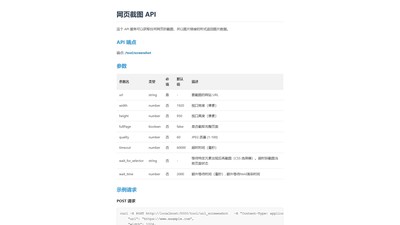
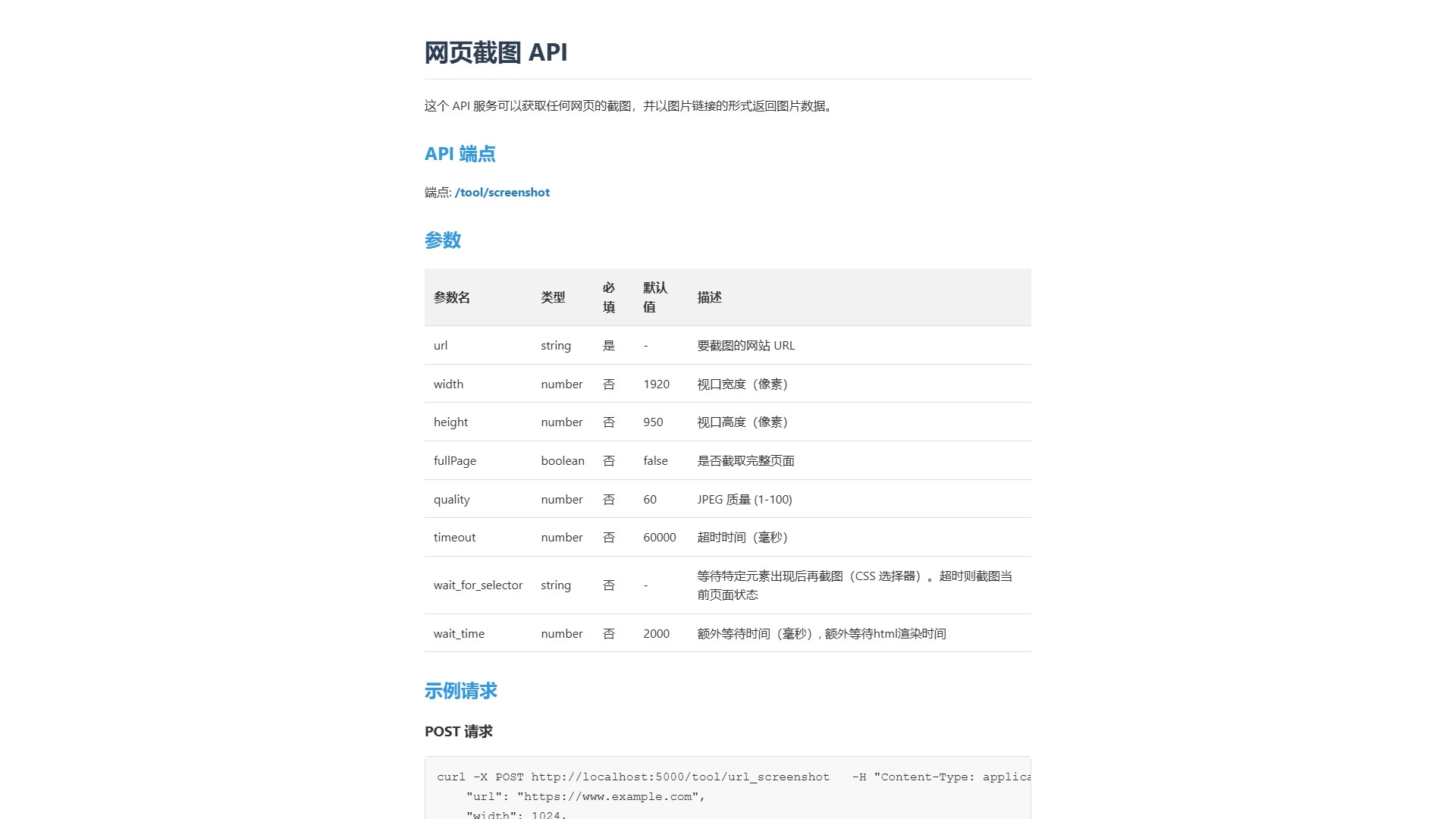
This is an API service whose core function is to capture screenshots of any webpage and return the image data as an image link.
API Endpoint
- Endpoint:
/tool/screenshot
Key Parameters
The API provides a rich set of parameters for highly customizable screenshots:
| Parameter | Type | Required | Default | Description |
|---|---|---|---|---|
| url | string | Yes | - | The URL of the website to screenshot |
| width | number | No | 1920 | Viewport width (pixels) |
| height | number | No | 950 | Viewport height (pixels) |
| fullPage | boolean | No | false | Whether to capture the full page |
| quality | number | No | 60 | JPEG quality (1-100) |
| timeout | number | No | 60000 | Timeout in milliseconds |
| wait_for_selector | string | No | - | Wait for a specific element to appear before capturing (CSS selector) |
| wait_time | number | No | 2000 | Extra wait time in milliseconds |
Usage
Supports both POST and GET request methods.
POST Request Example:
bash
curl -X POST http://localhost:5000/tool/url_screenshot
-H "Content-Type: application/"
-d '{
"url": "https://www.example.com",
"width": 1024,
"height": 768,
"fullPage": true,
"quality": 90
}'
GET Request Example:
http://localhost:5000/tool/url_screenshot?url=https://www.example.com&width=1024&height=768&fullPage=true&quality=90
Response Format
After the API is successfully executed, it returns a JSON object containing the screenshot status and the image URL.
{ "success": true, "imageUrl": "https://files.thinkwriter.ai/file/screenshot/xxxxxx.jpeg", "message": "Screenshot taken successfully" }
Core Advantages
- Highly Customizable: Precisely control the width, height, quality, and full-page capture of screenshots.
- Smart Waiting: The
wait_for_selectorandwait_timeparameters ensure screenshots are taken after dynamic content has loaded, improving accuracy. - Easy Integration: Simple API calls and a clear JSON response format make it easy for developers to integrate into their applications or workflows.
- Online Testing: An online form is provided for users to quickly test the API functionality without writing code.
Target Users
Developers, product managers, and any businesses or individuals who need to automate or integrate webpage screenshot functionality into their services.
Pricing Information
The page does not provide detailed pricing information or pricing models.
Comment