
Edit Videos Online

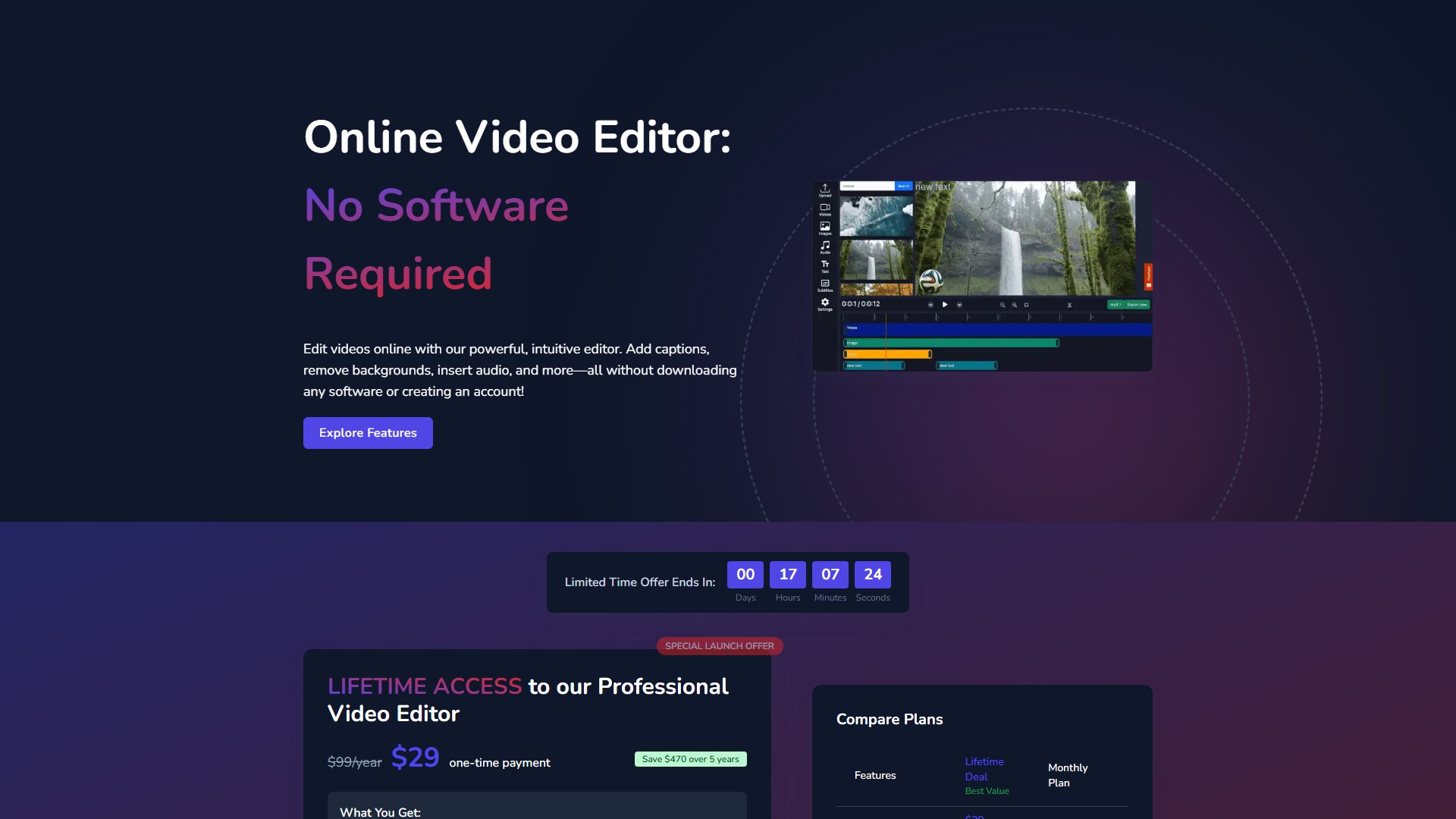
Main Features & Characteristics:
- AI Background Removal: No green screen required. AI-powered technology automatically detects and removes video backgrounds. One-click removal, add new backgrounds instantly, works with people, objects, and products.
- Automatic Caption Generation: AI-powered captions automatically transcribe audio and create perfectly-timed subtitles. Customizable fonts and styles, export with or without burned-in captions.
- Dynamic Text Overlays: Add titles, captions, callouts, and annotations. Hundreds of font options, animated text effects, precise timing controls.
- Advanced Audio Solutions: Upload music tracks, record voiceovers directly in the browser, or generate AI voiceovers using text-to-speech technology with multiple voice options.
- Brand Watermarking: Add custom watermarks (logos, badges, images) with full control over size, position, opacity, and duration. Supports uploading PNG with transparency.
Core Advantages:
- No Registration Required: Jump straight into editing without creating an account, downloading software, or providing personal information.
- Browser-Based: Cloud-based editor runs smoothly in all modern browsers with no plugins or installations required.
- Fast Processing: Optimized cloud infrastructure processes edits and renders videos quickly.
- No Watermarks: Export clean videos without any branded overlays, even with the free version.
Supported Formats:
- Input: .MP4, .MOV, .AVI, .WMV, .MKV, .FLV
- Output: HD 720p (1280×720), Full HD 1080p (1920×1080), Vertical 9:16 (Portrait), Square 1:1 (1080×1080), Widescreen 16:9, Custom Dimensions.
Usage Workflow:
- Upload Your Video: Drag and drop or click to browse. Supports all major video formats.
- Edit and Enhance: Use intuitive tools to trim, crop, add text, music, captions, remove backgrounds, and apply effects.
- Export and Share: Choose quality settings and format, download the finished video completely free with no watermarks.
Pricing & Billing:
- Free Version: No registration required. Allows uploads up to 500MB and videos up to 30 minutes in length. No watermarks on exports.
- Lifetime Deal: $29 one-time payment (originally $99/year). Includes full access to all features forever, all future updates, no recurring payments, and priority access to new features. Saves $470 over 5 years.
- Monthly Plan: $9.99/month (Total cost after 5 years is $599.40).
FAQ:
- Do I need to sign up or register? No, completely free to use without any registration. No personal information collected.
- Which file formats are supported? All major formats including MP4, MOV, AVI, WMV, FLV, and MKV. MP4 with H.264 codec is recommended for best performance.
- Is there a limit to the size or length of videos? Free version allows uploads up to 500MB and up to 30 minutes. Premium plans offer increased limits.
- Are there watermarks on exported videos? No, no watermarks are added, even with the free version.
- Is my video content secure? Yes, processed securely in the browser using encrypted connections. Videos are processed on the user's device, not stored on servers.
- How do I export? Click the "Export" button in the top-right corner, choose quality, resolution, and format, then download directly to the device.
Comment