
ChatGPT For PowerPoint
Main Functions
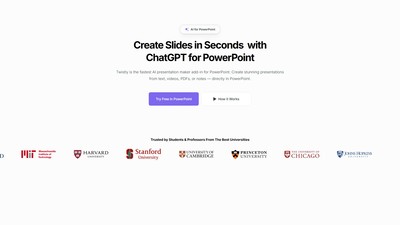
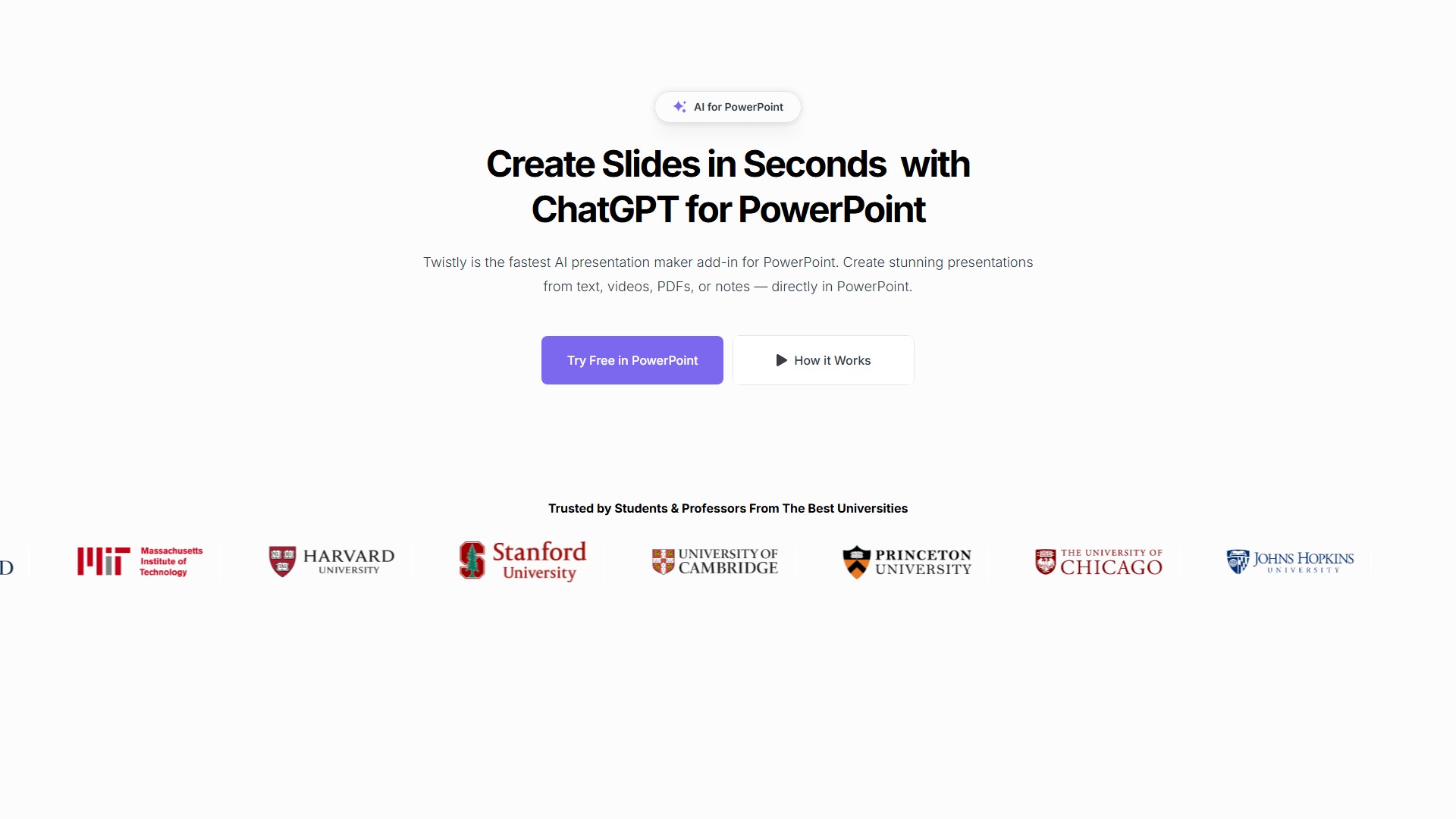
- Generate from Prompts: Turn text, outlines, or blog posts into full decks.
- AI Image Generation: Create custom visuals that perfectly match your content directly within PowerPoint.
- Professional Speaker Notes: Automatically add speaker notes to any slide or even the whole presentation.
- Document Conversion: Converts PDFs, DOCX files, and YouTube videos into PowerPoint slides.
- Slide Editing: Offers AI tools for one-click text improvements, translation, adding single slides, and more.
Core Advantages
- Seamless Integration: As a PowerPoint add-in, it eliminates the need to switch tools or export files for a smooth workflow.
- Fast Generation Speed: Over 95% of presentations are generated in under 30 seconds, making it one of the fastest AI presentation generators.
- Easy to Use: No design experience or tech skills required; just type a prompt to generate high-quality slides.
- Content Security: Uses secure APIs and does not store any of your inserted content, ensuring your data is private and safe.
Target Users
- Students, teachers, and educators.
- Marketing professionals, sales teams, and HR teams.
- Any professional who needs to create presentations quickly.
Workflow
- Visit the official website and click the "Start for Free" link.
- Click the "Open in PowerPoint" button in the pop-up window to install the add-in.
- Open Twistly within PowerPoint and start creating or editing slides with AI.
Pricing Model
- Offers a free trial with no credit card required.
- A paid subscription is required after the trial, with periodic discounts available on the website (e.g., Back to School offer).
Frequently Asked Questions (FAQ)
- What makes Twistly the best AI presentation maker? It's an advanced AI add-in that works directly inside Microsoft PowerPoint, not a separate online tool.
- Is Twistly the fastest AI presentation generator? Yes, over 95% of presentations are generated in under 30 seconds.
- Can I use ChatGPT inside PowerPoint with Twistly? Absolutely, Twistly integrates ChatGPT for PowerPoint directly.
- What file types does Twistly convert into PowerPoint slides? You can generate slides from text, PDFs, DOCX, YouTube links, Google Docs, and more.
価格設定モデル:
Free Trial
Paid
りゅうりょうぶんせき
Last Updated 2025-12
Powered by Website Insights
世界ランキング
1,932,600
SimiliarWeb Data
国家ランキング
1,978,612
US
Monthly Visits
12.7K
22.6%
User Engagement Analysis
リバウンド率
40.0%
アクセスごとのページ数
1.67
平均受診時間
0.2m
Traffic Sources Distribution
Search
44.0%
Direct
38.0%
Referrals
11.0%
Social
5.0%
支払済み
1.0%
Top Countries
US
19.0%
UZ
12.0%
GB
8.0%
ID
7.0%
IN
7.0%
Similar Sites
データがありません
Top Keywords Analysis
SEO Performance Insights
chatgpt excel eklentisi
delete add on powerpoint
apps do wonders llc
how to add chatgpt to powerpoint365
=aifill formula
議論する